OSHA recordkeeping software
Incident reporting from a QR code, and an OSHA 300 log that keeps itself.
Your crew scans the site poster and reports in English or Spanish from their own phone, with no app to install and no login. Recordable cases fill the OSHA 300, 300A and 301 under 29 CFR 1904, and every report is signed, timestamped and archived.
3 free reports a month, no card required. Try the worker form first, no signup.
No app, no login for workersEnglish and SpanishOSHA 300, 300A, 301 and ITA file$49/mo per site, unlimited users
What every report carries
- Reported from a QR code
- Your crew reports in English or Spanish from their own phone: scanning the site poster opens the form in the browser. No app download, no login.
- Photos and signatures
- Up to 6 timestamped photos, and reporter and witness e-signatures embedded in the final PDF.
- OSHA 300, 300A and 301
- Each site keeps its own OSHA 300 log as reports come in, printable on OSHA's Legal-size form with page totals. Privacy cases show "Privacy case" instead of the name. The 300A is built from the same counts, and each report exports as a 301.
- Locked when filed
- Every report is timestamped and hashed on submission, so anyone can tell if it was changed afterward.
- Offline in the app
- The report form in your account saves a report started in a dead zone and syncs it when the signal returns. The QR form your crew opens needs a signal to send.
- Multi-site, 5-year archive
- One poster and one 300 log per site, rolled up for leadership, and every report kept and exportable for inspectors and insurers.
The real thing, not a mockup.
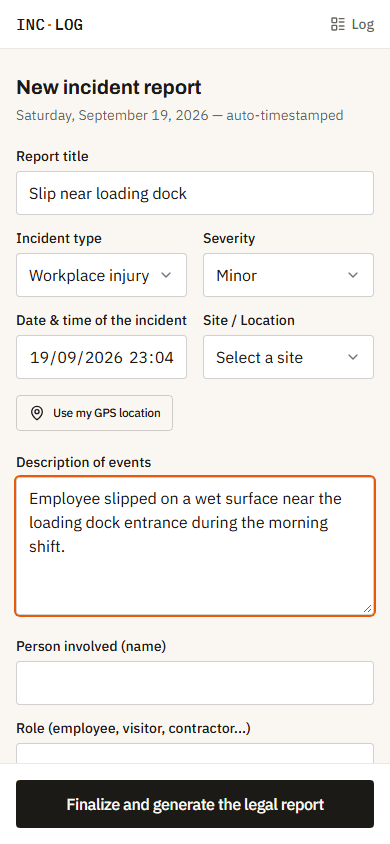
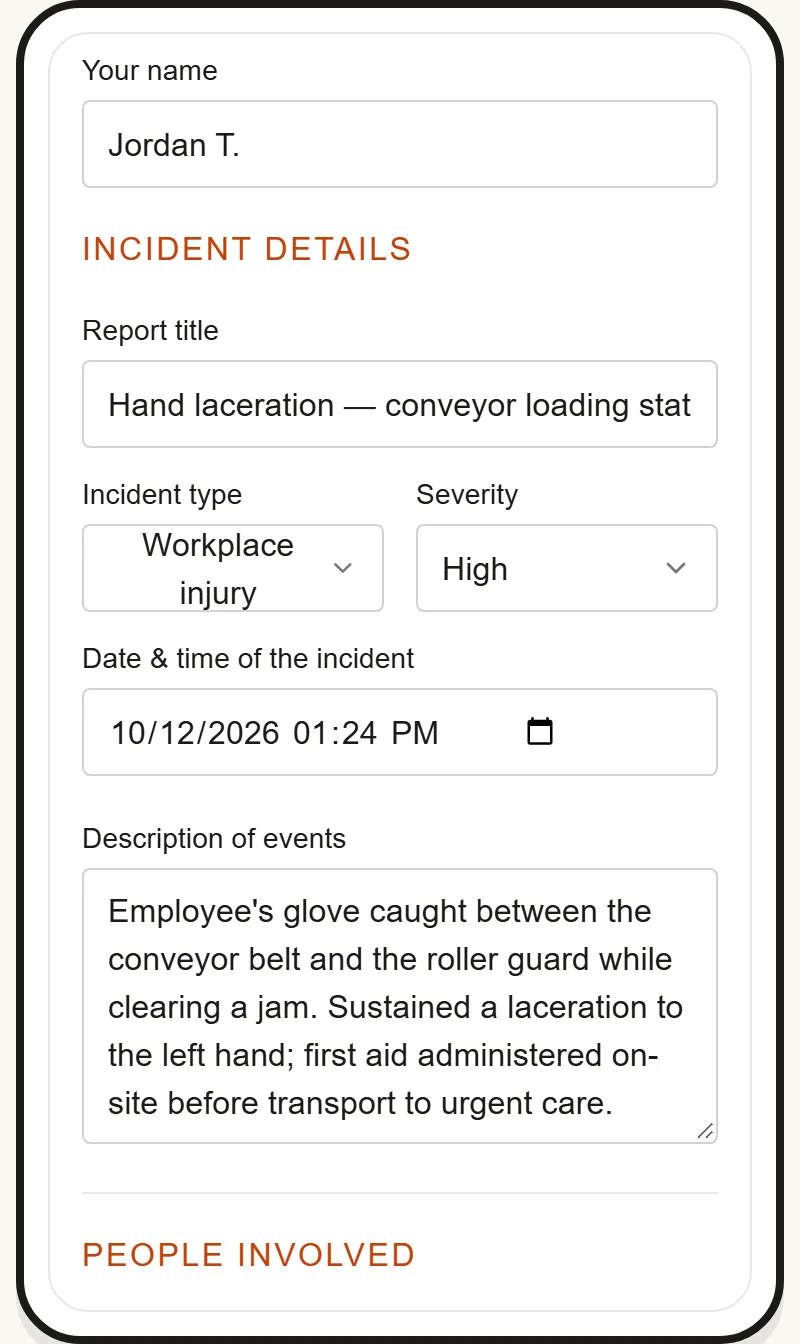
Filing a report from a phone: the field-facing form, not a marketing screenshot.
Forklift near miss, Zone B loading dock
Reporter signature
Locked the moment it's signed: a tamper-evident, OSHA-ready record, not an editable document.
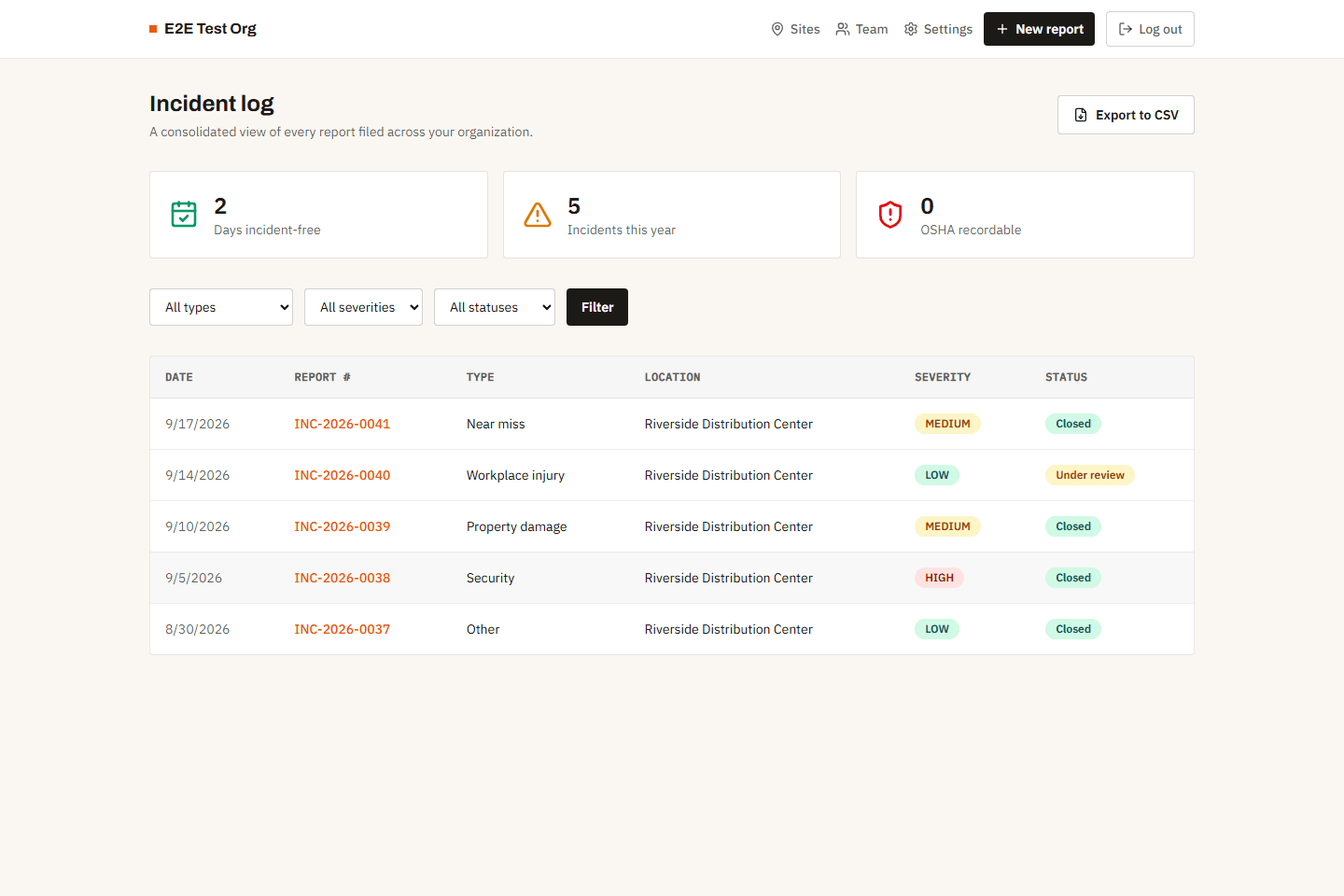
What your manager or safety officer sees: every report, filterable, with a live count of OSHA-recordable incidents.
Free incident report templates
A PDF to print or a Word file to fill in, on US Letter, with the same fields as the mobile form. No email asked.
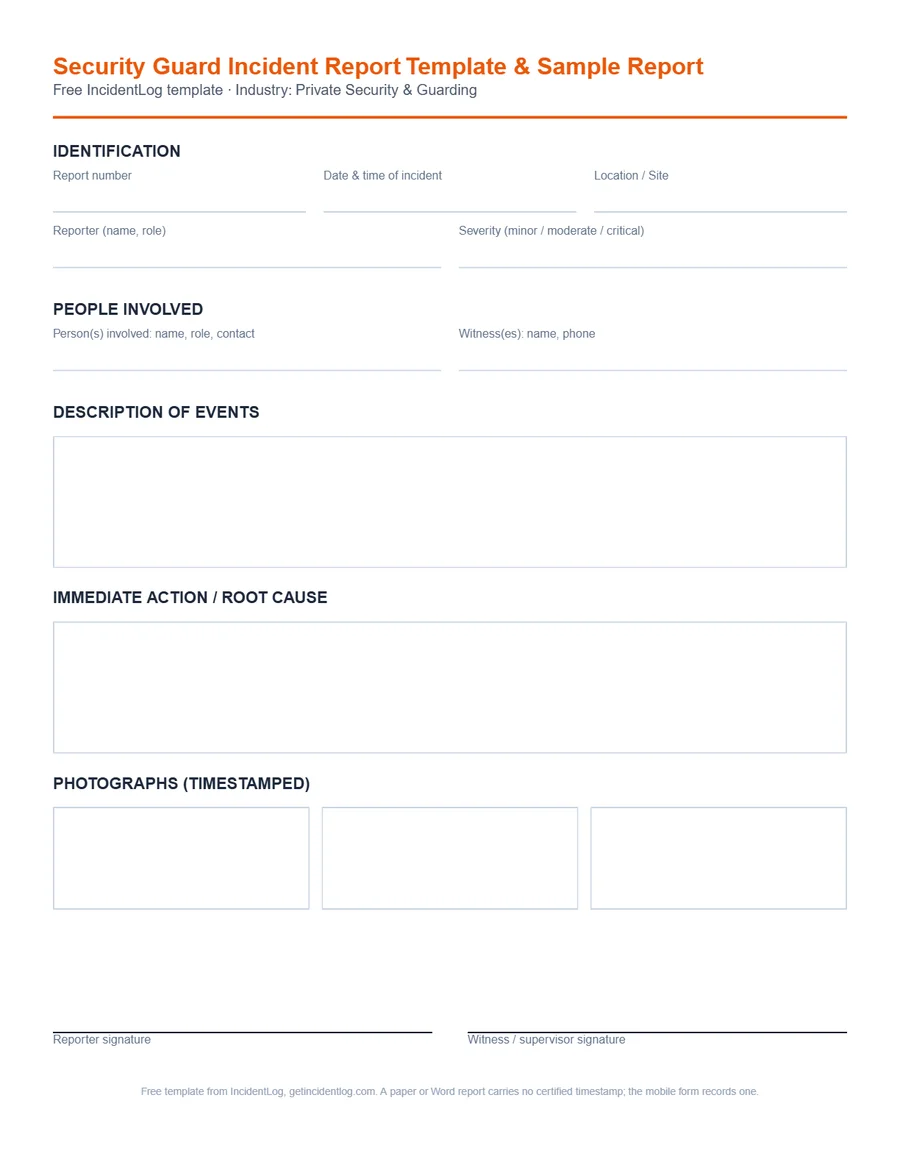
Private Security & Guarding
Security Guard Incident Report Template & Sample Report
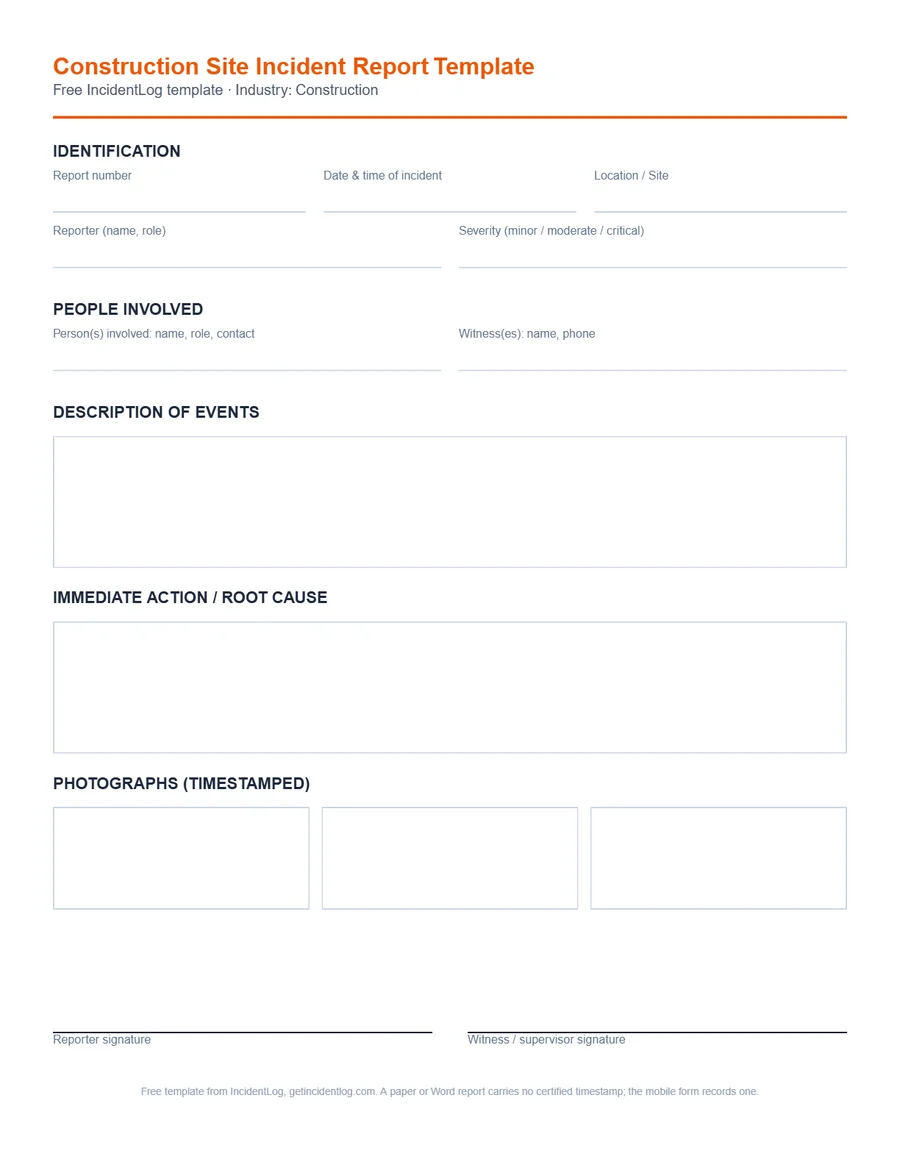
Construction
Construction Site Incident Report Template
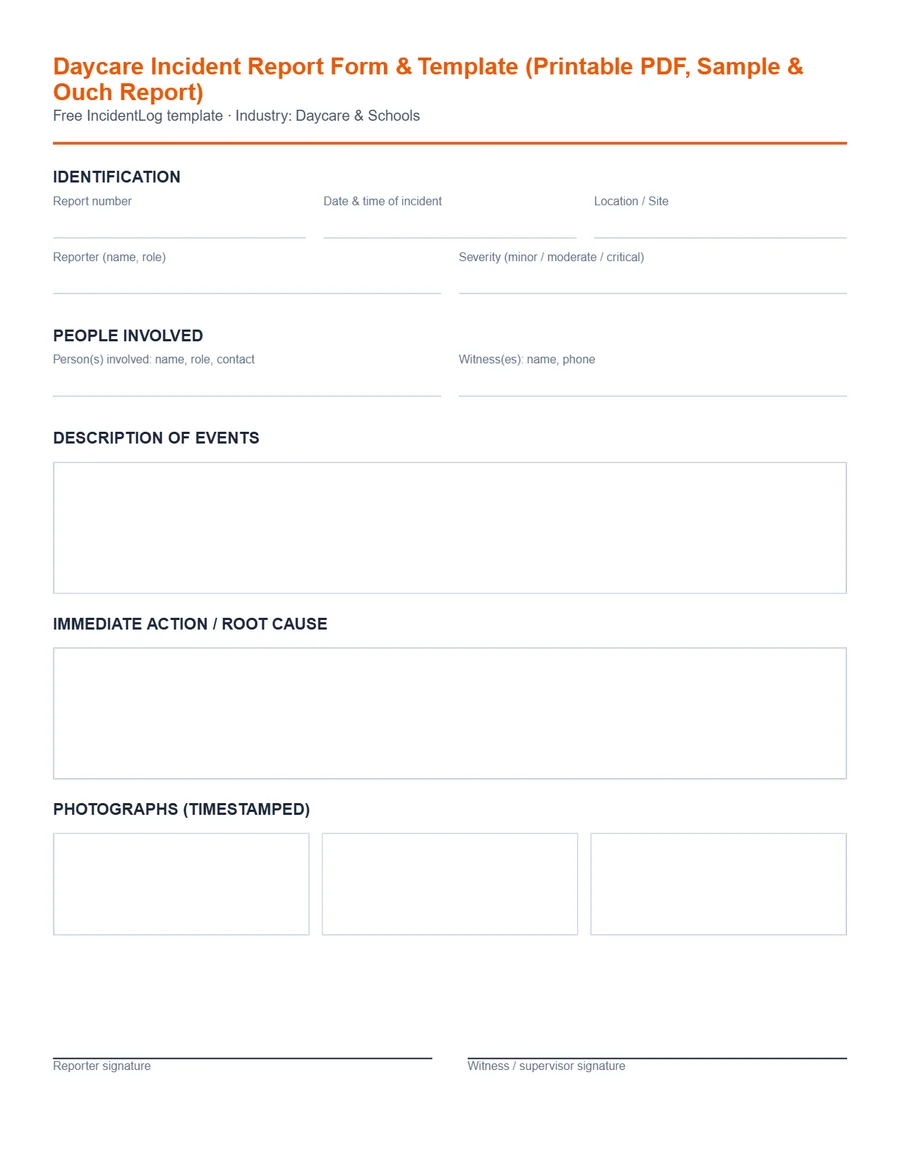
Daycare & Schools
Daycare Incident Report Form & Template (Printable PDF, Sample & Ouch Report)
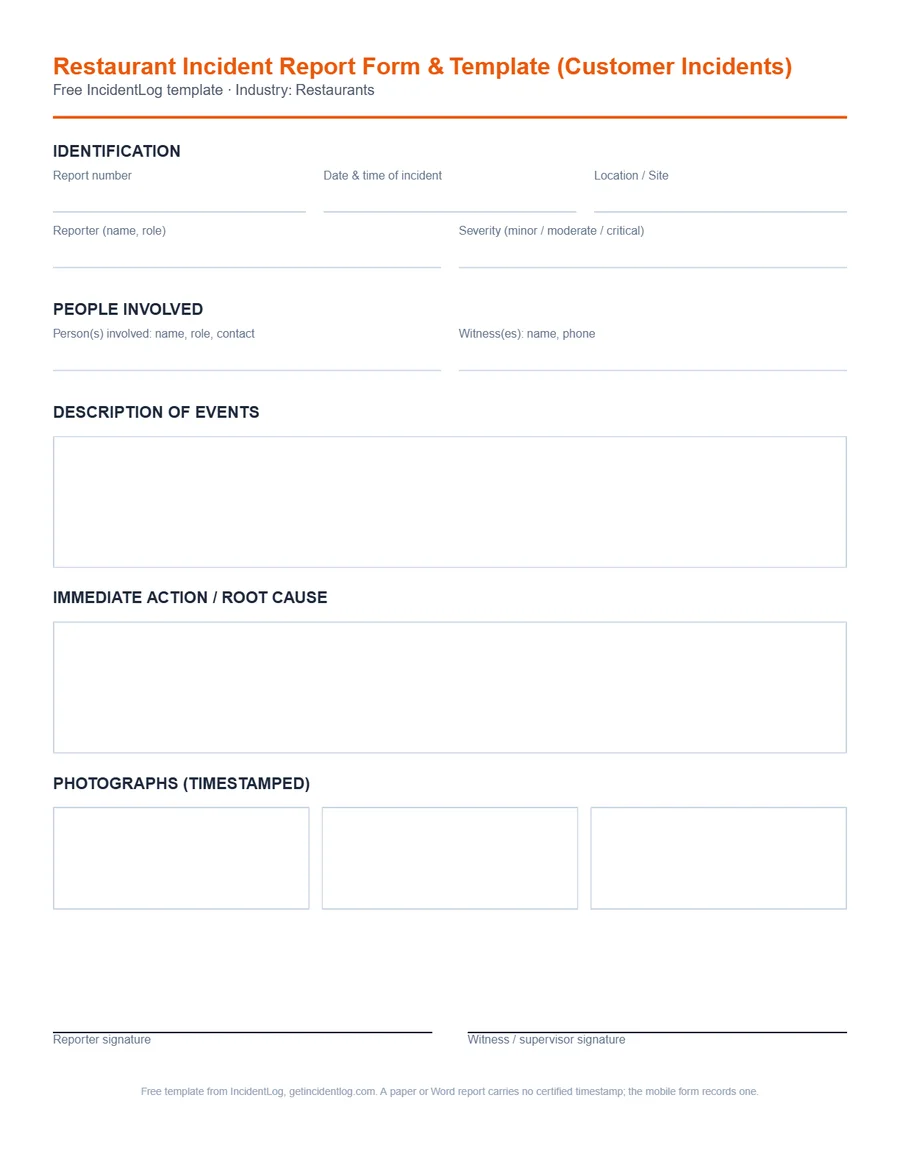
Restaurants
Restaurant Incident Report Form & Template (Customer Incidents)
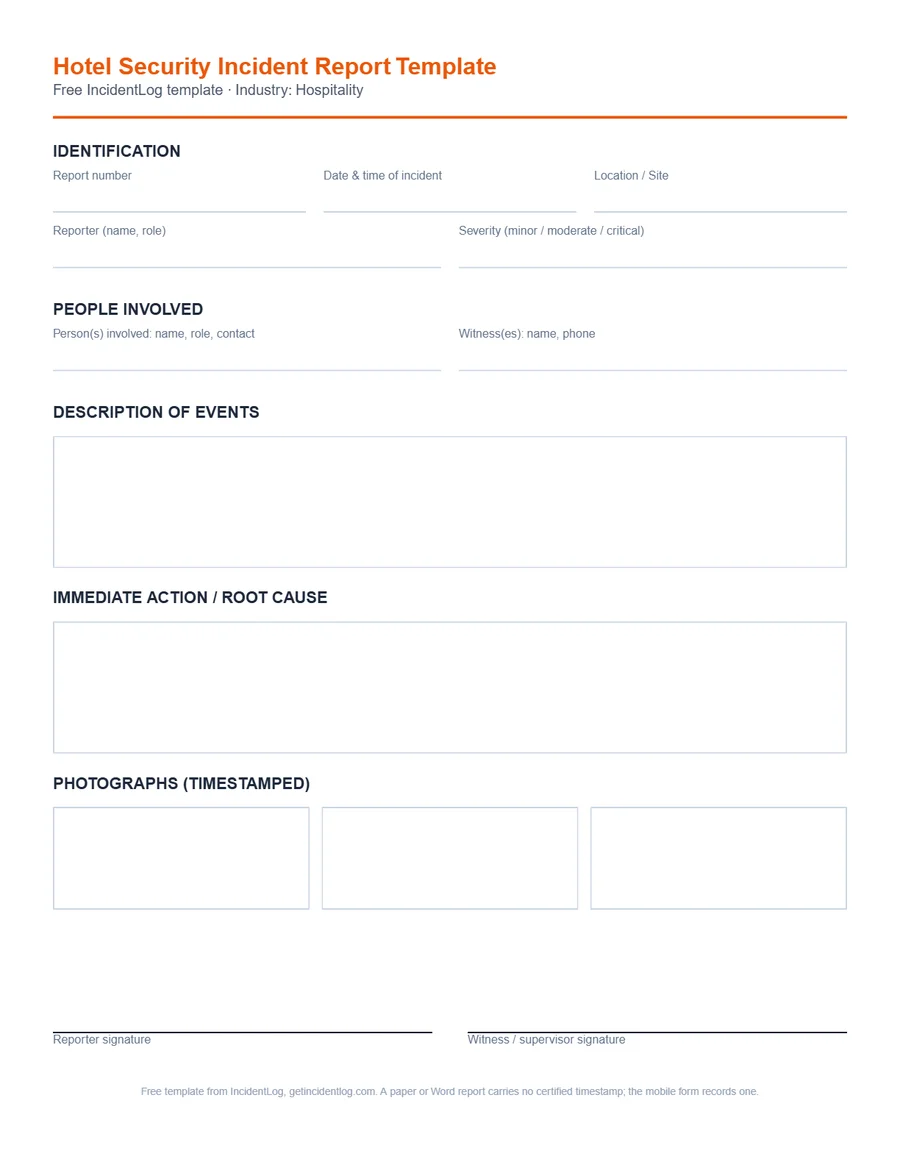
Hospitality
Hotel Security Incident Report Template
Logistics & Warehousing
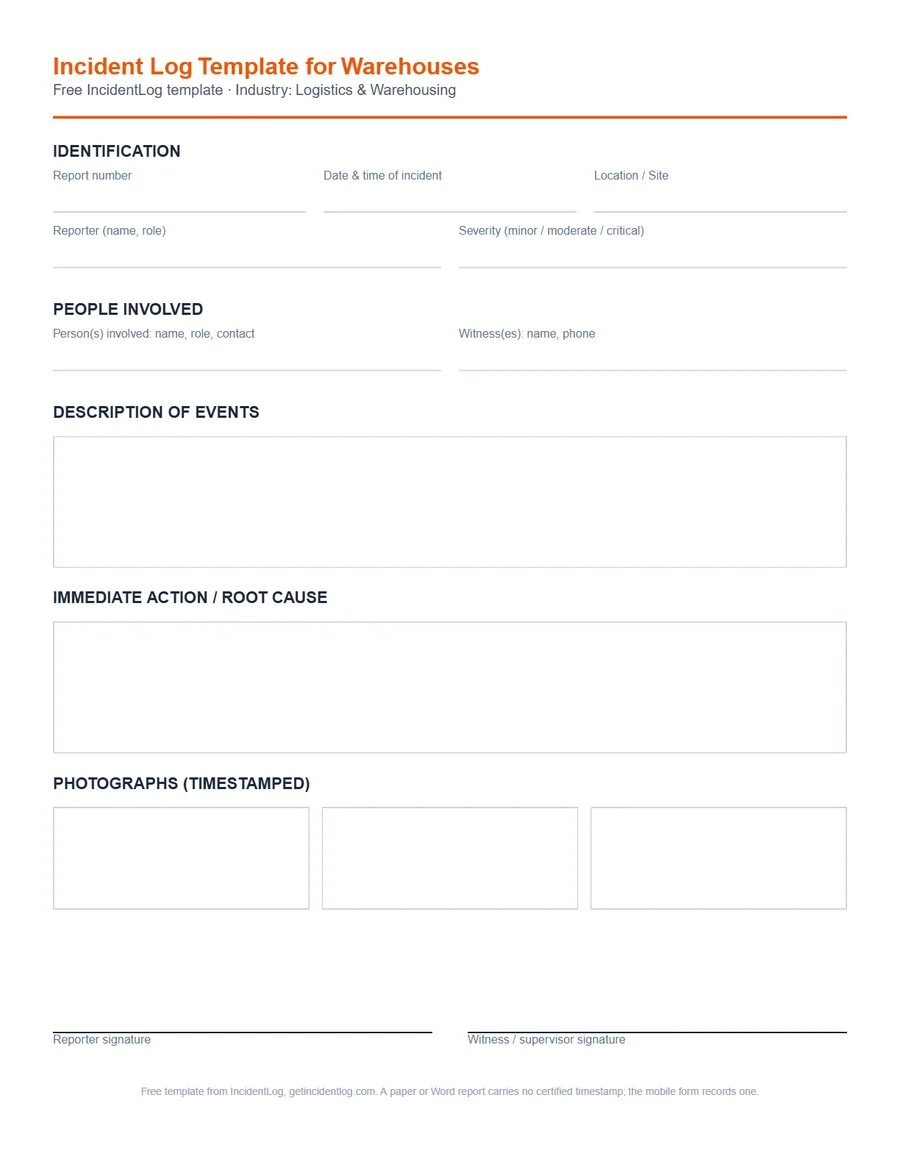
Incident Log Template for Warehouses
Know the rules, check your numbers
Plain-language guides cited to the regulation, free calculators, and honest comparisons with the other tools.
Guides
Free tools
Priced by what a site needs, not a seat count.
No commitment. Cancel anytime.
Free
Try going paperless on incident reporting.
$0
- 3 reports a month; extra reports are still saved
- 1 site, unlimited users
- QR worker form in English and Spanish
- Photos, reporter and witness signatures
- OSHA 300 log and 300A (watermarked PDFs)
- 30 days of report history
Pro
For a single site with unlimited users.
$49/mo
- Everything in Free, plus:
- Unlimited reports on 1 site
- Certified, watermark-free PDFs: 300 log, 300A, 301
- OSHA ITA upload file for 300A e-filing
- Full history, for OSHA's 5-year retention
Business
For managing multiple locations.
$89/mo
- Everything in Pro, plus:
- Up to 5 sites, each with its own QR poster and 300 log
- One incident log and CSV export across all sites
- More than 5 sites? Contact us
Questions before you start
- What is IncidentLog?
- Incident reporting and OSHA recordkeeping software for crews in the field. Each site gets a QR poster; workers report from their own phone in English or Spanish, without an app or login, and recordable cases fill the site's OSHA 300 log, the 300A summary and the 301 reports.
- Do workers need to download an app or create an account?
- No. Scanning the site's QR poster opens the report form in the phone's browser. Supervisors and managers sign in to review reports, classify cases and print the OSHA forms.
- Does IncidentLog keep the OSHA 300 log?
- Yes. A recordable case on a filed report becomes its line on that site's OSHA 300 log, printable on OSHA's Legal-size layout; the 300A totals and the 301 come from the same data, with the upload file for OSHA's Injury Tracking Application. OSHA accepts computer records that print equivalent forms (29 CFR 1904.29(b)(5)).
- How much does IncidentLog cost?
- Free for 3 reports a month, with no card required. Pro is $49 a month per site, or $490 a year, with unlimited users; Business is $89 a month for up to 5 sites.
- Is IncidentLog a good SafetyCulture (Mitti) alternative?
- For incident reporting and OSHA records, yes: IncidentLog is priced per site ($49 a month, unlimited users) where Mitti's Premium plan is $24 to $29 per seat, and it fills the OSHA 300, 300A and 301 from the reports where Mitti has you build them from templates. Both take reports from a QR code without an account. Mitti is the better choice if you mainly need inspection checklists and training.
- Is IncidentLog approved by OSHA?
- OSHA doesn't approve or certify recordkeeping software. It requires records that hold the same information as its forms and can be printed when an inspector or an employee asks for them. IncidentLog prints the 300, 300A and 301 in OSHA's layout, and isn't affiliated with OSHA.
Put a QR poster on your next job site.
3 free reports a month, no card required