Incident Log Template for Warehouses
Free PDF and Word · Updated
A warehouse incident log centralizes forklift accidents, falling loads, and near misses from across a facility into one filterable record with CSV export, replacing a shared spreadsheet with a system that gives leadership real-time visibility into recurring risks.
A warehouse generates a lot of small incidents that need to be centralized into a usable log. Our Incident Log replaces your spreadsheet with a filterable dashboard, with CSV export at year-end.
What this template includes
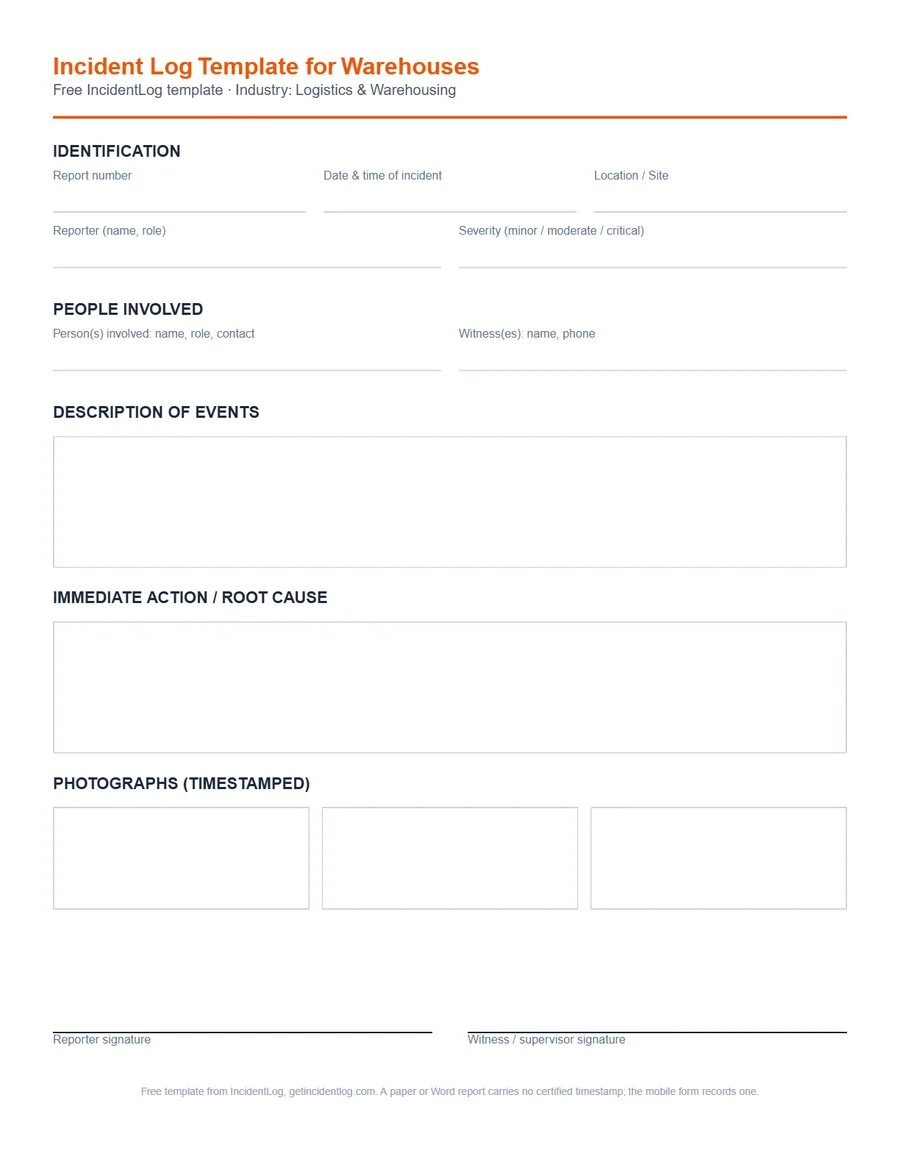
Every field below is part of the free template and the mobile version; nothing is locked behind a paywall for filling out a single report.
- Report number and date/time of the incident
- Location or site
- Reporter's name and role
- Severity (minor, moderate, or critical)
- Person(s) involved: name, role, contact
- Witness(es): name, phone
- Description of events
- Immediate action taken and root cause (if known)
- Up to 3 timestamped photographs
- Reporter signature
- Witness or supervisor signature
How to file a defensible logistics & warehousing report
- 1
File each incident where it happens
Have whoever's on the floor file the report from their phone at the time, rather than relaying it to an office later.
- 2
Tag the location and severity
Record the zone or dock where it happened and how serious it was: this is what makes the log filterable and useful later, not just a pile of reports.
- 3
Let the log accumulate
Every report lands in one searchable table instead of a shared spreadsheet someone forgets to update.
- 4
Export at review time
Pull a CSV filtered by site, severity, or date range for your insurer, your safety committee, or year-end reporting.
Common use cases
- Forklift accident
- Falling load / unstable pallet
- Near miss in a traffic zone
- Material-handling incident
Frequently asked questions
What's the difference between a report and a log?
A report documents one specific incident; the Incident Log centralizes all your reports in a searchable table, filterable by site, severity, or status, with real-time compliance KPIs.
What is an incident log?
A running list of every incident at a site, one line each: the date, the place, what kind of incident it was, how serious, and whether it has been dealt with. The full details live in the incident report behind each line. A log shows patterns a pile of reports hides, such as the same dock or shift coming up again and again.
What should an incident log include?
For each incident: the date and time, the location or zone, the type (injury, near miss, property damage), the people involved, the severity, the report number, the corrective action and its owner, and the date it was closed. For injuries, OSHA's own log, the Form 300, has its own columns.
How long should you keep an incident log?
OSHA's injury and illness log, the 300, has to be kept for five years after the year it covers (29 CFR 1904.33). For an internal incident log, follow your insurer's and your company's retention rules; many keep it at least as long as the OSHA records.
For the federal recordkeeping rules referenced above, see OSHA's recordkeeping requirements.
Related reading
Go digital: signature, photos, and archiving included
The Pro plan at $49/mo includes OSHA 301 export, 5-year legal archiving, and unlimited users on 1 site.
See pricing