7 Best OSHA Recordkeeping Software Tools for Small Businesses in 2026
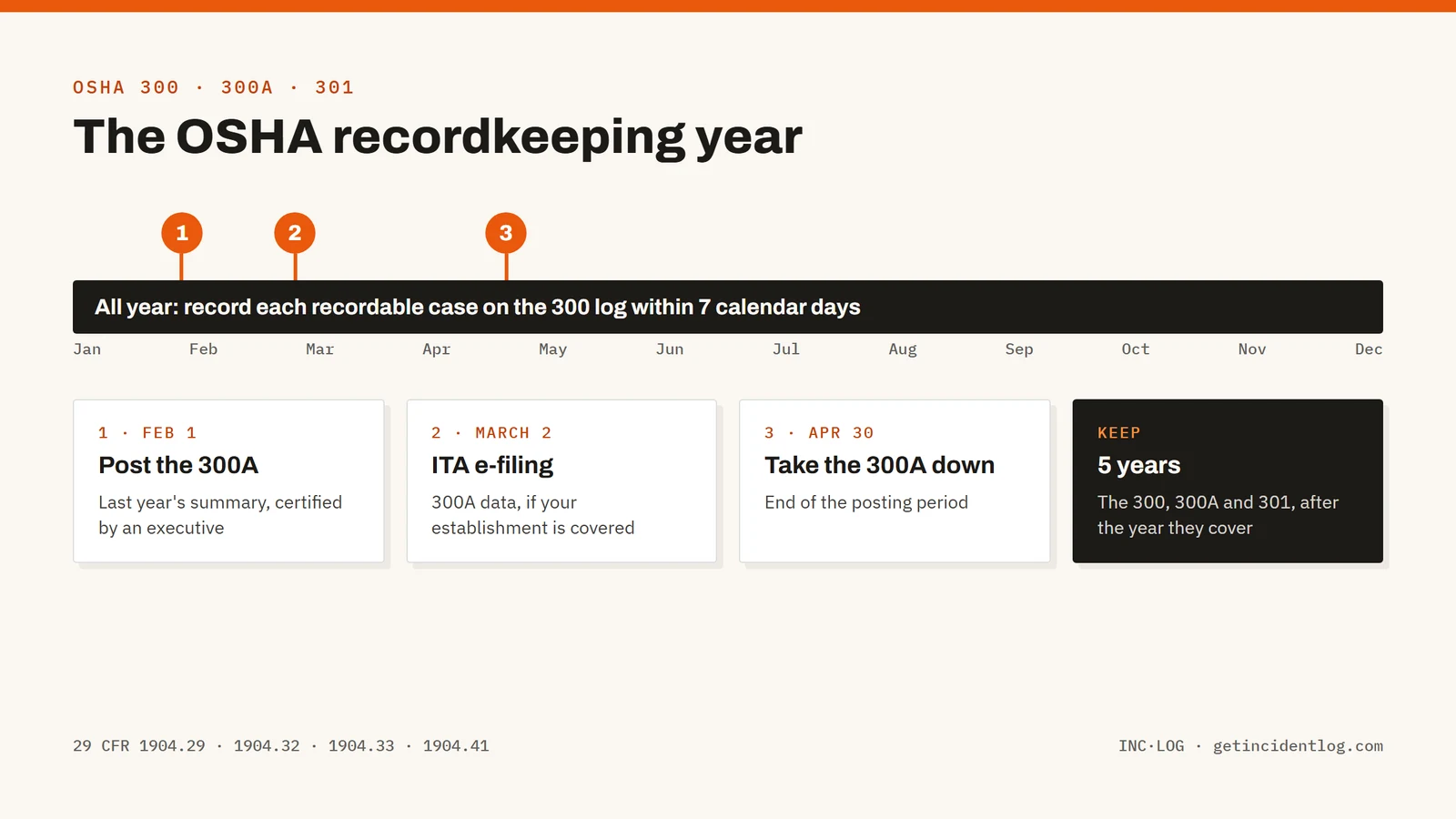
OSHA recordkeeping software turns injury and illness reports into the three forms 29 CFR Part 1904 requires: the Form 300 log, the Form 300A annual summary and a Form 301 for each case, and for many establishments the 300A data OSHA collects through its Injury Tracking Application by March 2. For a small business the deciding question is where cases start: tools built around field reporting (IncidentLog, Safesite) capture the report on site, while log-first tools (OSHA300.com, OSHA's own forms) expect someone in the office to type each case in. Enterprise EHS suites (VelocityEHS, J. J. Keller) cover far more than recordkeeping, at quoted prices.
Most small businesses don't lose OSHA recordkeeping points on the rules. They lose them on the handoff: an injury happens on a job site, the paper form sits in a truck for a week, and the person who keeps the log hears about it after the 7-day recording window has closed. OSHA recordkeeping software exists to close that gap and to turn each case into the Form 300 log, the Form 300A summary and the Form 301 report without retyping.
This guide compares seven options, from free OSHA forms to enterprise EHS suites, on price, on what they actually produce for OSHA, and on how a case gets into them in the first place. If you need the rules themselves, start with our guide to OSHA 300 log requirements.
Best OSHA recordkeeping software: a brief overview
Best for small and mid-size teams that report from the field
- IncidentLog: Best overall for small businesses: a worker reports from a QR code on site, and recordable cases flow into the 300, 300A and 301 with an ITA upload file, at a flat price per site.
- Safesite: Best for construction safety teams that want inspections and hazard reporting in one app, priced per member.
Best for office-based logkeeping
- OSHA300.com: Best for filing the 300A at the lowest yearly cost when someone in the office enters the cases.
- OSHA's own forms: Best for a year with one or two cases and no budget at all.
Best for larger EHS programs
- J. J. Keller Safety Management Suite: Best for compliance teams that already rely on J. J. Keller's regulatory content and want recordkeeping inside a broader suite.
- VelocityEHS: Best for multi-site enterprises running a full EHS program with a dedicated safety team.
- Mitti (formerly SafetyCulture): Best for inspection-first operations that want OSHA records as one checklist among many.
| Tool | Best for | Starting price | Free option | OSHA 300/300A output |
|---|---|---|---|---|
| IncidentLog | Small teams that report from the field | $49/mo per site | Free plan (3 reports/month) | 300, 300A, 301 and ITA upload file |
| Safesite | Construction teams, per-member pricing | $16 per member/mo | Free plan (30-day history) | OSHA 300 log on Premium |
| OSHA300.com | Lowest-cost 300A filing | $49/yr | Free edition for zero-case years | 300, 300A, 301 and 300A filing |
| OSHA's own forms | A year with one or two cases | Free | Free | Fillable PDF and Excel, all manual |
| J. J. Keller Safety Management Suite | Compliance teams using J. J. Keller content | Quote | 30-day trial | 300, 300A, 301 and CSV for ITA |
| VelocityEHS | Multi-site enterprise EHS programs | Quote | Demo | 300, 300A, 301 and ITA export |
| Mitti (formerly SafetyCulture) | Inspection-first operations | $24 per seat/mo | Free up to 10 seats | Built by you from templates |
1. IncidentLog, best overall for small teams that report from the field
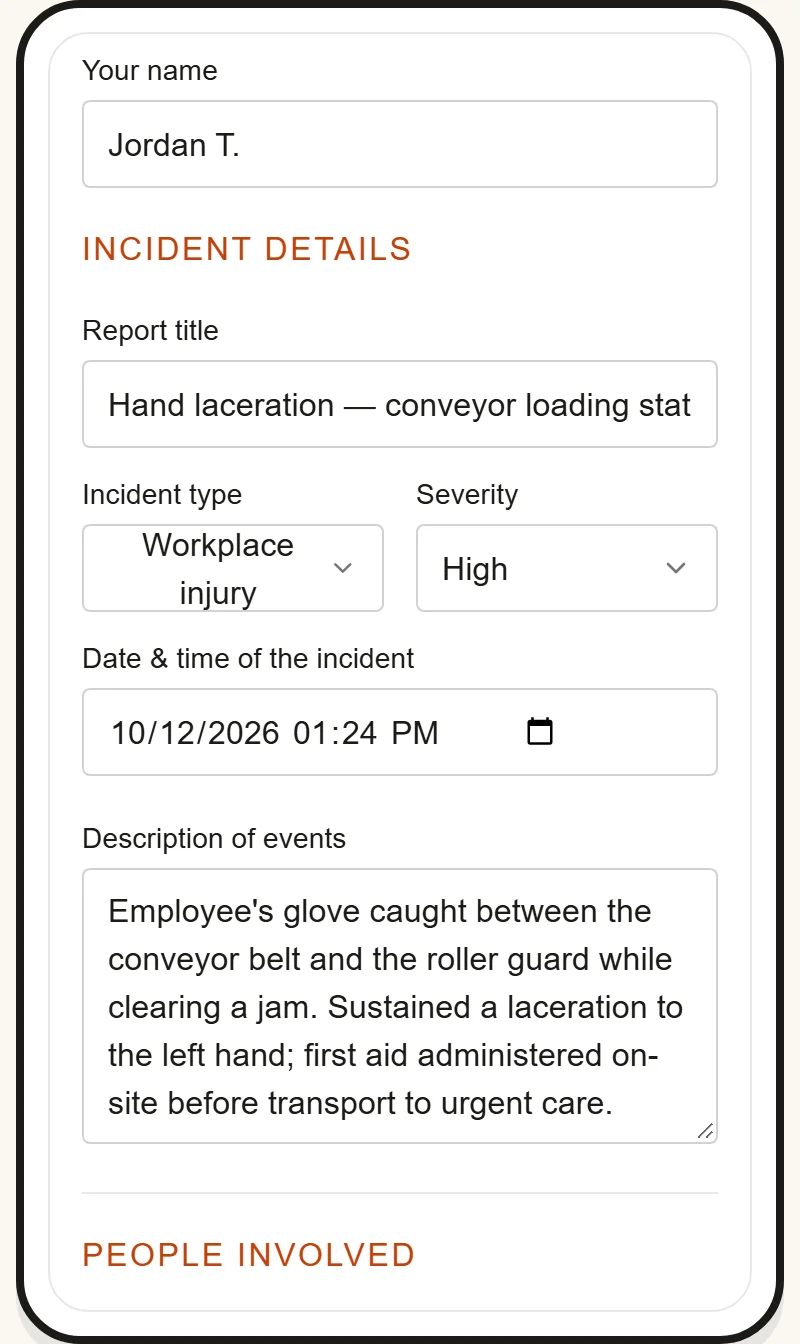
IncidentLog is built around the moment most recordkeeping goes wrong: the report. Each site gets a QR code poster; a worker scans it with their phone camera and fills a short form in English or Spanish, with no app to install and no account to create. The report lands in the same record the supervisor reviews, so nobody retypes a paper form at the end of the week.
Once a case is classified as recordable, IncidentLog fills the Form 300 log, the Form 300A summary and the Form 301 from it, keeps privacy cases off the public log as OSHA requires, and builds the 300A upload file for OSHA's Injury Tracking Application. It refuses to build that file when a required field is missing, which beats finding out from OSHA's validator in February.
Key features
- QR-code intake: workers report from their own phone, in English or Spanish, without an app or account
- Forms 300, 300A and 301 generated from filed reports, with privacy cases handled
- 300A upload file for OSHA's ITA, checked for missing fields before you download it
- Timestamped, hashed and locked reports with reporter and witness e-signatures and photos
- Free OSHA recordable injury checker for the "does this go on the log" question
Best for
- Contractors, warehouses and service businesses with field crews, subcontractors or Spanish-speaking workers
- Owners or office managers who keep the log but aren't on site when injuries happen
Pricing
- Free: 3 reports a month, with watermarked 300 and 300A PDFs
- Pro: $49 a month per site ($490 a year), unlimited users, certified 300, 300A and 301 and the ITA file
- Business: $89 a month ($890 a year) for up to 5 sites
Pros
- One flat price per site, so adding workers or a subcontractor crew costs nothing
- Cases reach the log the day they happen, inside the 7-day window
- The field report and the OSHA record are the same data, so there's no transcription error to make
Cons
- A newer and smaller company than J. J. Keller or VelocityEHS
- Covers incident reporting and OSHA recordkeeping only: no inspections builder, training records or permits
2. Safesite, best for construction teams that want inspections and hazards in one app
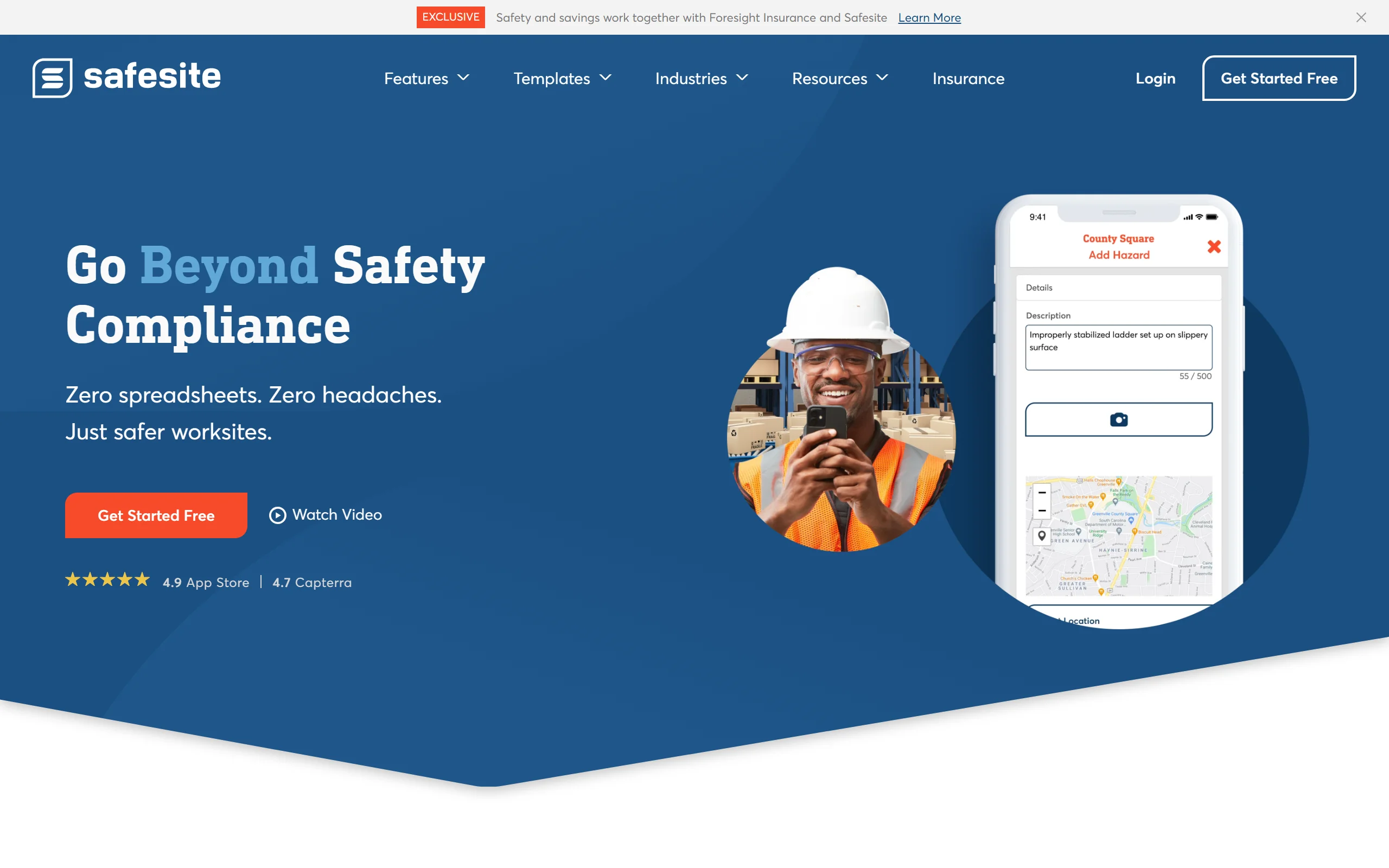
Safesite is a mobile safety app aimed at construction and field operations. Its free plan covers the iOS and Android app, a risk dashboard and unlimited members and guests, with reports limited to the last 30 days. Recordkeeping arrives with Premium, which lists a recordable incident log (OSHA 300) among its features.
Key features
- Mobile inspections, hazard reports and incident reports
- Recordable incident log (OSHA 300) on Premium
- Risk management dashboard
- Unlimited members and guests on every plan
Best for
- General contractors who want daily inspections and incident logging in one app
- Teams with a stable, known roster of app users
Pricing
- Free: app and dashboard, report history limited to 30 days
- Premium: $16 per member per month, 20% off on annual billing, 30-day free trial
Pros
- Broad field safety toolkit beyond recordkeeping
- A free plan that a crew can start on without a card
Cons
- Per-member pricing grows with headcount
- Its pricing page lists the OSHA 300 log but not a 300A summary or an ITA file, so confirm those with Safesite before you rely on them
3. OSHA300.com, best for filing the 300A at the lowest yearly cost
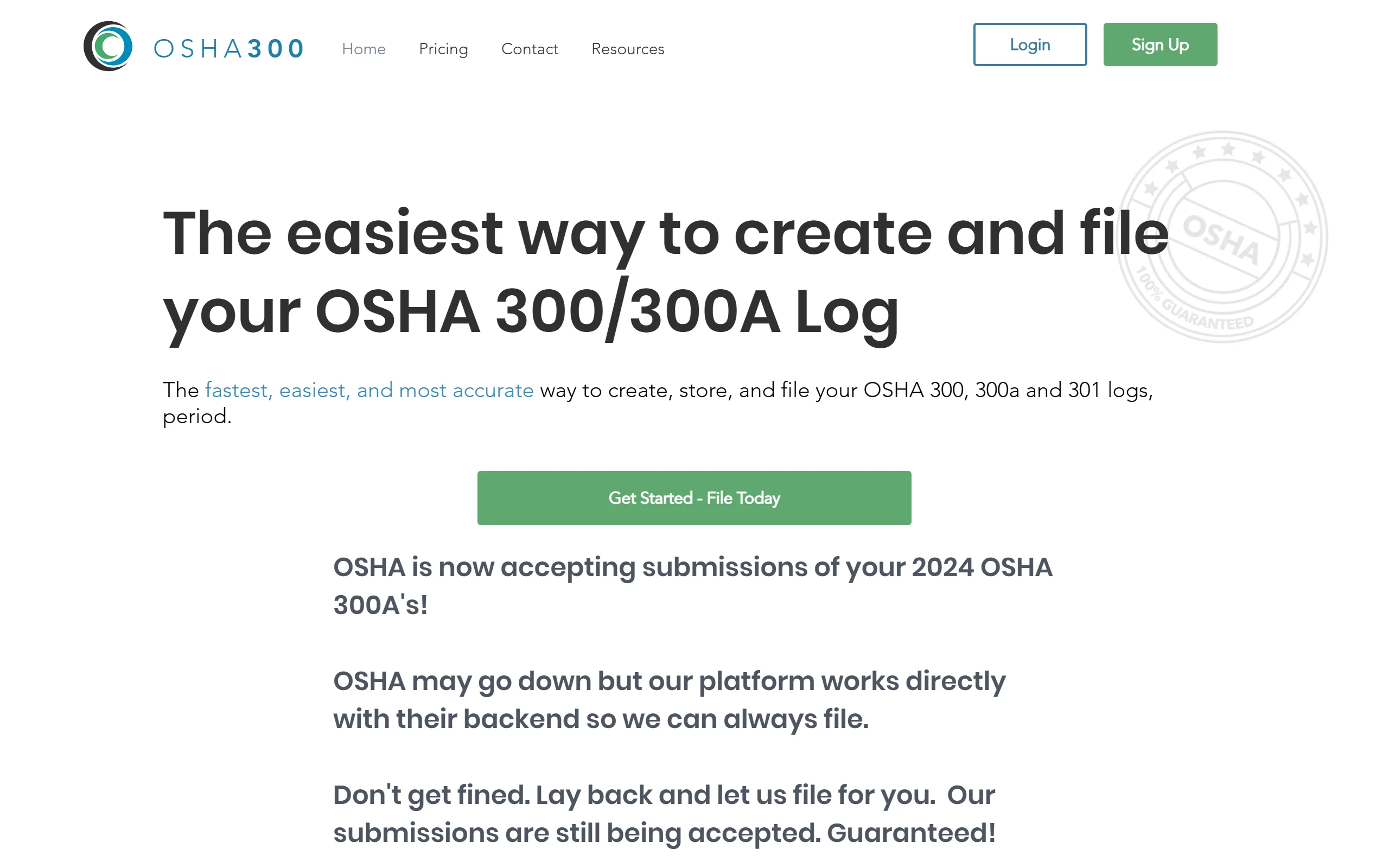
OSHA300.com does one job: it helps you create, store and file your OSHA 300, 300A and 301 logs, and it submits your 300A to OSHA for you. There's no field app here; someone enters each case, usually in the office. For a business whose only pain is the yearly filing, that focus is the point.
Key features
- Unlimited incident logs on paid plans
- 300A filing with OSHA included in the plan's yearly submissions
- Posting notifications and reminders
- Multiple establishments on the Business and Enterprise plans
Best for
- Office managers who already receive injury reports by phone or email
- Multi-establishment companies that mostly need the yearly filing done
Pricing
- Free edition: one establishment with zero injuries and illnesses
- Starter: $49 a year (1 submission)
- Business: $149 a year (10 submissions, up to 10 establishments, unlimited users)
- Enterprise: $249 a year (100 submissions)
Pros
- The lowest published price on this list for a paid plan
- Takes the ITA filing off your plate
Cons
- No worker-facing reporting: cases still have to reach the office first
- Not an incident management tool: no photos, signatures or corrective actions in the field
4. OSHA's own forms, best for a year with one or two cases
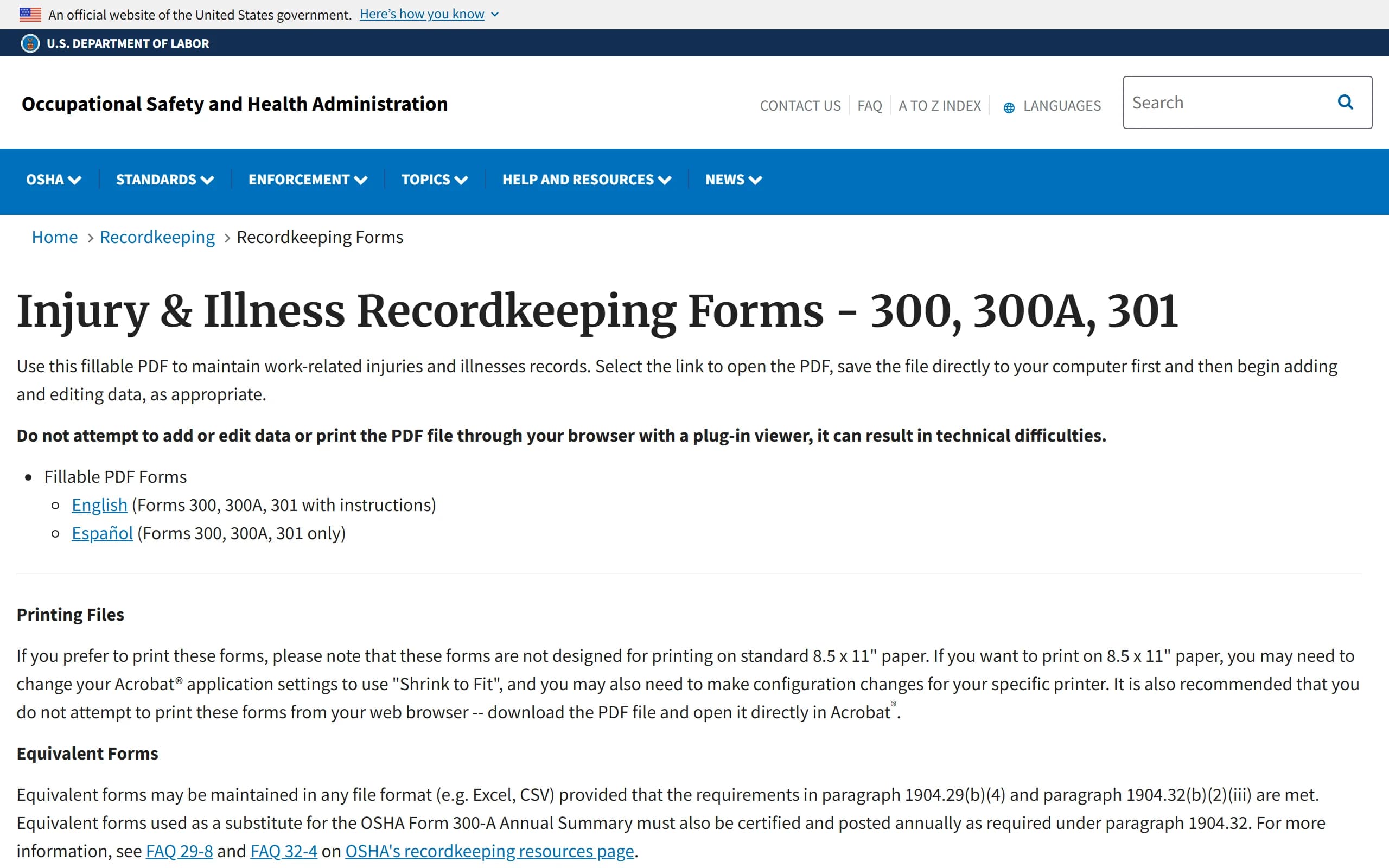
OSHA publishes Forms 300, 300A and 301 as a fillable PDF, in English and Spanish, and the Form 300 log as an Excel file. Under 29 CFR 1904.29(b)(4) you can keep your records on a computer in any format, as long as they hold the same information as OSHA's forms and you can produce them when asked.
Key features
- Official forms with OSHA's own instructions
- Spanish versions of all three forms
- Excel 300 log you can sort and total
Best for
- Employers with one or two recordable cases a year
- Anyone who wants to see exactly what the forms ask before buying software
Pricing
- Free
Pros
- No cost, no vendor, no setup
- The format OSHA itself uses
Cons
- Every case is typed in by hand, and nothing reminds you of the 7-day window
- OSHA's PDF can't be uploaded to the ITA: the 300A data has to be entered or uploaded there separately
5. J. J. Keller Safety Management Suite, best for compliance teams already using J. J. Keller
J. J. Keller has published compliance material for decades, and its Safety Management Suite brings its safety and environmental compliance tools into one online platform. For recordkeeping, the suite auto-generates the annual Forms 300, 300A and 301 and produces a CSV file for electronic reporting to OSHA.

Key features
- Automatic Forms 300, 300A and 301
- CSV export for OSHA electronic submission
- Broader safety and environmental compliance tools in the same suite
- J. J. Keller regulatory content alongside the software
Best for
- EHS managers who want recordkeeping next to training and compliance tools
- Companies already buying J. J. Keller products
Pricing
- Not published: price by quote
- 30-day free trial
Pros
- Deep regulatory expertise behind the product
- One vendor for recordkeeping and other compliance programs
Cons
- No public price, so budgeting starts with a sales call
- More platform than a small business with a few cases a year needs
6. VelocityEHS, best for multi-site enterprise EHS programs
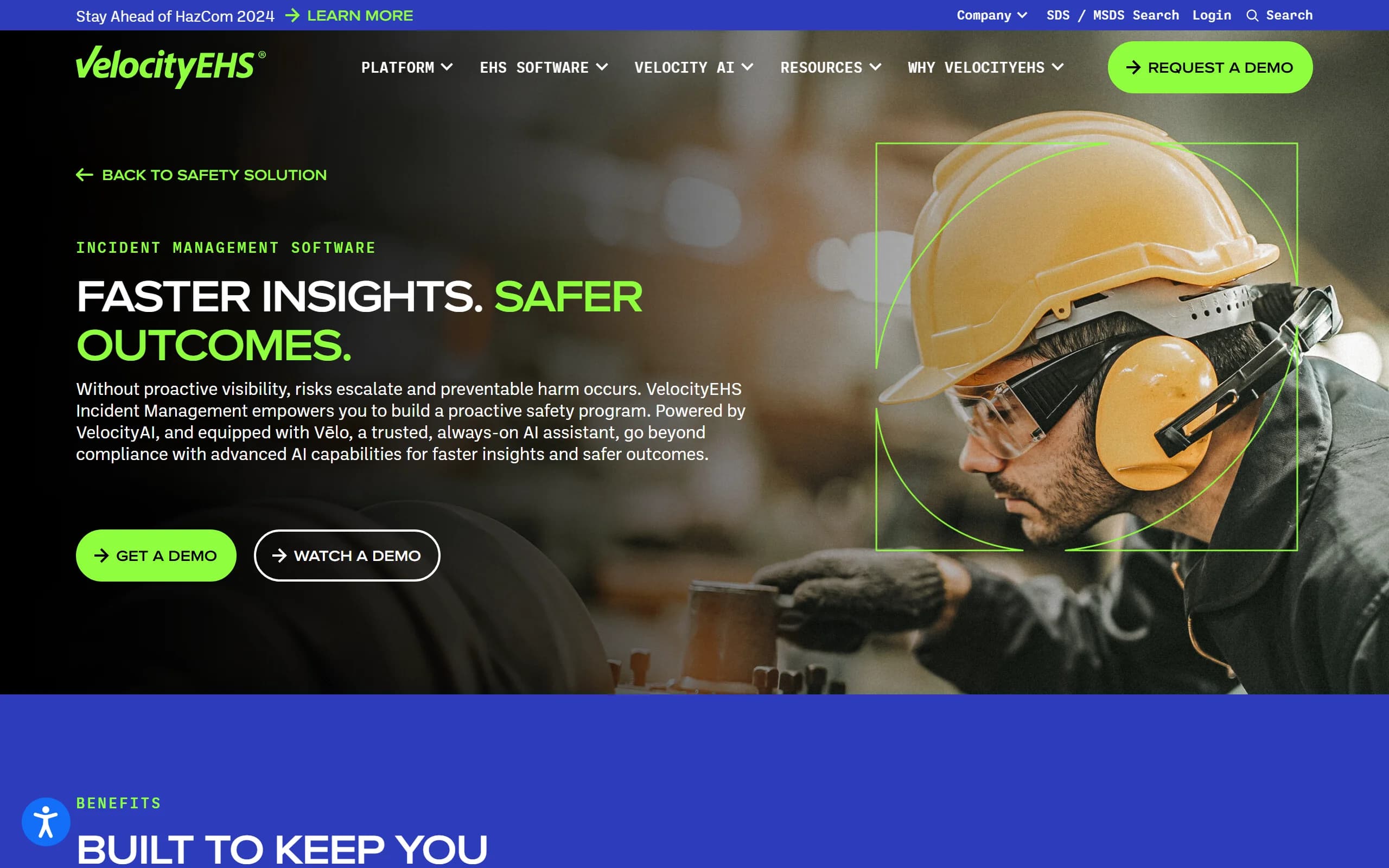
VelocityEHS sells a full environment, health and safety platform, and its Incident Management product is one part of it. It generates Forms 300, 300A and 301 and exports to OSHA's Injury Tracking Application, alongside incident investigation, corrective actions and an AI assistant.
Key features
- OSHA Forms 300, 300A and 301 with export to the ITA
- Incident investigation and corrective actions
- AI assistant for safety teams
- Part of a wider EHS platform (chemical management, ergonomics and more)
Best for
- Enterprises with several sites and a dedicated EHS department
- Companies standardizing safety programs across business units
Pricing
- Not published: price by quote, demo on request
Pros
- Scales from one program to an enterprise-wide EHS system
- Strong reporting for safety teams that analyze trends across sites
Cons
- Enterprise sales process and pricing
- Far more configuration than a single-site small business will use
7. Mitti (formerly SafetyCulture), best for inspection-first operations
Mitti is the new name of SafetyCulture, the company behind the iAuditor inspection app, since August 2026. It's a broad frontline operations platform: inspections, issues, training and assets. For OSHA recordkeeping, Mitti describes building your own checklists from its template library rather than generating the OSHA forms automatically.
Key features
- Configurable inspection checklists and template library
- Issue reporting and corrective actions
- Training and asset management
- Mobile apps for frontline teams
Best for
- Operations already running daily inspections in Mitti
- Companies that want one platform for many frontline processes
Pricing
- Free: up to 10 seats and 5 active inspection templates
- Premium: $24 per seat per month billed annually, or $29 monthly
- Per-site pricing with unlimited users: by quote
Pros
- Very flexible: almost any process can become a checklist
- A large template library to start from
Cons
- OSHA's 300, 300A and 301 structure is something you build, not something you get
- Per-seat pricing scales with every worker who needs access; see our comparison with Mitti
How to choose the best OSHA recordkeeping software for your team
1) Where does a case start?
- If injuries are reported in the field and the log is kept in the office: choose a tool that starts from the field report, like IncidentLog or Safesite, so the case reaches the log within the 7-day window.
- If cases already reach you by phone or email: a log-first tool like OSHA300.com or OSHA's own forms may be all you need.
2) Do you have to submit to OSHA's ITA?
- If you have 20 to 249 employees at an establishment in an Appendix A industry (construction and manufacturing among them), or 250 or more in any covered industry: the 300A data is due through the ITA by March 2, so favor a tool that builds the upload file or files it for you (IncidentLog, OSHA300.com, J. J. Keller, VelocityEHS).
- If you're below the thresholds: you still keep and post the forms, but the electronic step doesn't apply.
3) How do you want to pay?
- Per site, regardless of headcount: IncidentLog ($49 a month per site).
- Per user: Safesite ($16 per member) or Mitti ($24 to $29 per seat). Multiply by your real headcount, subcontractors included: 25 users is $400 a month on Safesite Premium and $600 to $725 on Mitti Premium.
- Per year, for filing only: OSHA300.com.
- By quote: J. J. Keller and VelocityEHS.
4) Recordkeeping only, or a whole EHS program?
- If you need inspections, training and permits too: a suite (VelocityEHS, J. J. Keller, Mitti) puts them in one place, at the cost of setup time.
- If the job is getting incidents reported and the OSHA logs right: a focused tool is faster to roll out. File two test reports from a worker's phone before you commit; you can try IncidentLog's worker form without signing up.
Frequently asked questions
What does OSHA recordkeeping software do?
It keeps the three records 29 CFR Part 1904 requires (the Form 300 log, the Form 300A annual summary and a Form 301 incident report for each recordable case) and fills them from the incident reports you enter. Better tools also flag the 7-day recording window, keep privacy cases off the public log, and prepare the 300A data OSHA collects electronically.
Can I create an OSHA 300 form in Excel?
Yes. OSHA publishes an Excel version of the Form 300 log as well as fillable PDFs, and 29 CFR 1904.29(b)(4) lets you keep records on a computer as long as they contain the same information as OSHA's forms and can be produced when needed. A spreadsheet doesn't classify cases, warn you about the 7-day window or build the ITA upload file, so the work stays manual.
What are the three OSHA recordkeeping forms?
Form 300 is the year-round log of recordable work-related injuries and illnesses. Form 300A is the annual summary of that log, certified by a company executive and posted from February 1 to April 30. Form 301 is the detailed incident report for each recordable case, completed within 7 calendar days of learning about it.
Is there free OSHA 300 log software?
Yes, within limits. OSHA's own fillable PDF and Excel forms are free. IncidentLog's Free plan covers 3 reports a month with watermarked 300 and 300A PDFs, OSHA300.com has a free edition for a year with no injuries or illnesses, and Safesite's Free plan includes its app with 30 days of report history. Certified, unwatermarked logs and electronic filing sit on the paid plans.
Who has to submit OSHA 300A data electronically?
Under 29 CFR 1904.41, establishments with 20 to 249 employees in an industry listed in Appendix A to Subpart E, and establishments with 250 or more employees in any industry that must keep records, submit their 300A data through OSHA's Injury Tracking Application by March 2. Establishments with 100 or more employees in an Appendix B industry also submit their 300 and 301 data.
How long do I have to keep OSHA 300 logs?
Five years after the end of the calendar year the records cover, under 29 CFR 1904.33, and you must keep updating the 300 log during that period if a case changes (for example, more days away from work). Your software should keep the full history, not just the current year.
Do small businesses need OSHA recordkeeping software at all?
Not always. Employers with 10 or fewer employees at all times during the last calendar year, and establishments in the partially exempt industries listed in Appendix A to Subpart B, don't have to keep the routine logs, though they still report severe injuries to OSHA. Above that, software earns its keep when cases are reported from the field and the log is kept by someone in the office.
If I mainly need my crews to report incidents and my OSHA logs to stay current, what should I use?
A tool that starts from the field report rather than the log. IncidentLog lets a worker report from a QR code on site, with no app or account, and turns recordable cases into the 300, 300A and 301 with the ITA upload file, at a flat price per site.
Prices and features checked on each vendor's site on October 13, 2026. The rules cited are in 29 CFR Part 1904.
Keep reading
Keep your OSHA logs current from the field
Workers report from a QR code, recordable cases fill the 300, 300A and 301, and the ITA file is ready by March 2. $49/mo per site, unlimited users, with a free plan to start.