8 Best OSHA Compliance Software Tools for Small Businesses in 2026
OSHA compliance software does one or more of five jobs: recording injuries on the OSHA 300, 300A and 301 and filing the 300A with OSHA, inspections and hazard reports, training records, safety data sheets for hazard communication, or all of these in one EHS suite. Few small businesses need all five on day one. Pick the tool for the job that costs you the most time today: IncidentLog or OSHA300.com for injury records, Mitti or Safesite for inspections, VelocityEHS for safety data sheets, EHS Insight or J. J. Keller for an all-in-one suite, and OSHA's free On-Site Consultation Program before you buy anything.
"OSHA compliance" covers several different jobs, and the software sold for it does very different things. An inspection app won't file your 300A; an OSHA log tool won't keep your safety data sheets; a suite does both, with an annual contract to match. So this list is organized by job, with the best tool for each, rather than one winner for everything.
Every price and feature comes from the vendor's own site, checked on October 15, 2026, or from osha.gov. We make IncidentLog, which covers the first job only. If you need the rules behind the forms, start with our OSHA 300 log requirements guide; for tools focused on the log alone, see the best OSHA recordkeeping software.
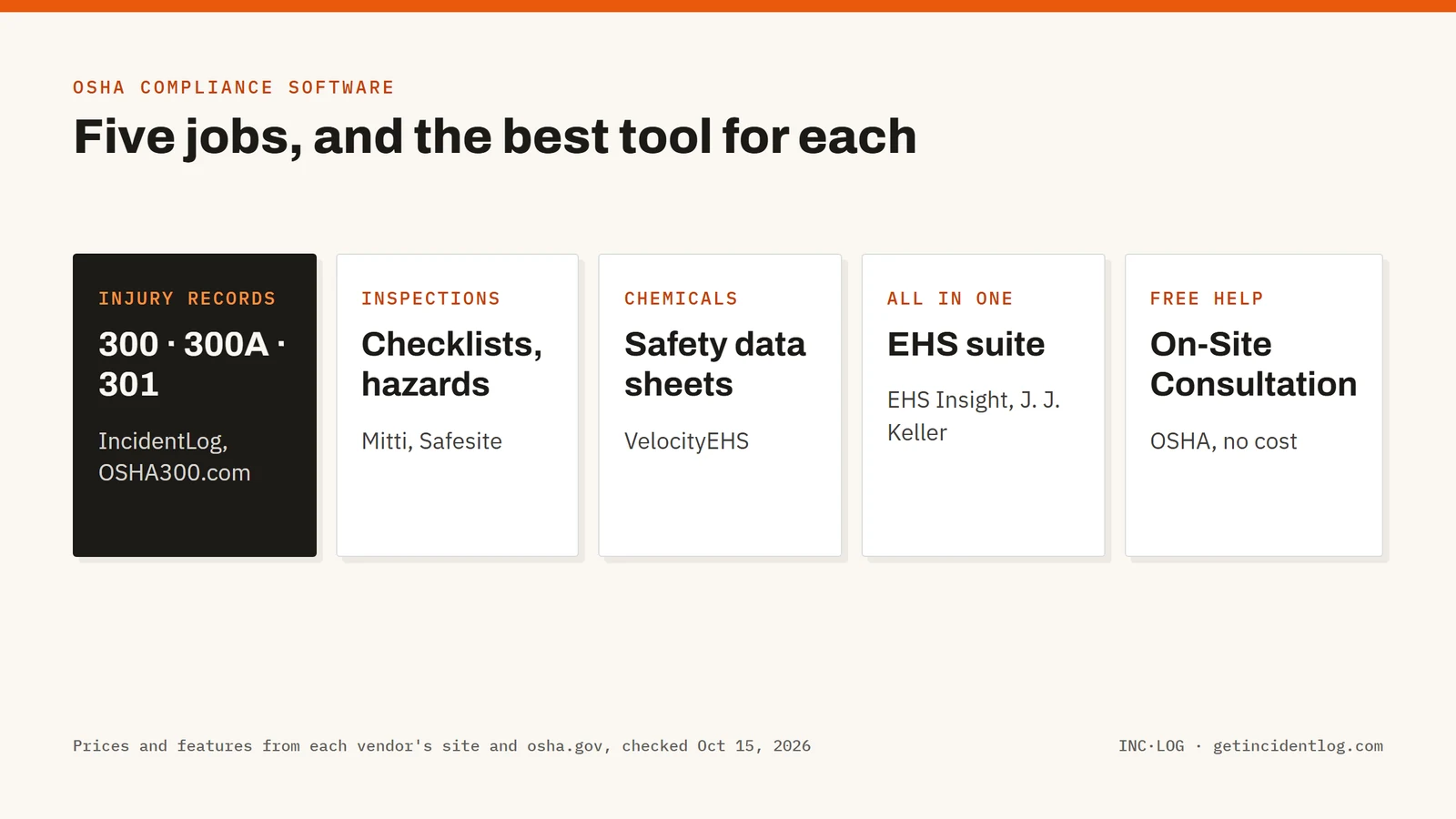
Best OSHA compliance software by job: a brief overview
Injury reporting and OSHA records (300, 300A, 301)
- IncidentLog: Best for small businesses whose injuries happen in the field: workers report from a QR code, and recordable cases fill the 300, 300A and 301 with the ITA upload file, at a flat price per site.
- OSHA300.com: Best for the lowest yearly cost when someone in the office enters cases and only needs the 300A filed.
Inspections, hazards and basic training
- Mitti (formerly SafetyCulture): Best for inspection checklists, with a free plan for up to 10 seats.
- Safesite: Best for construction crews that want inspections and hazard reports in one app.
Chemicals and safety data sheets (HazCom)
- VelocityEHS: Best for safety data sheet management and container labels, from the company that ran MSDSonline.
All-in-one EHS suites
- EHS Insight: Best for a mid-size company that wants one suite at a published starting price.
- J. J. Keller Safety Management Suite: Best for teams that rely on J. J. Keller's regulatory content.
Free help
- OSHA's free tools and On-Site Consultation: Best first step for a small business: a no-cost, confidential visit that is separate from enforcement, plus OSHA's free forms and apps.
| Tool | Best for | Starting price | Free option | OSHA 300/300A output |
|---|---|---|---|---|
| IncidentLog | Injury reporting and OSHA records | $49/mo per site | Free plan (3 reports/month) | 300, 300A, 301 and ITA upload file |
| OSHA300.com | Filing the 300A at the lowest cost | $49/yr | Free edition for zero-case years | 300, 300A, 301 and 300A filing |
| Mitti (formerly SafetyCulture) | Inspections and basic training | $24 per seat/mo | Free up to 10 seats | Built by you from templates |
| Safesite | Construction inspections and hazards | $16 per member/mo | Free plan (30-day history) | OSHA 300 log on Premium |
| VelocityEHS | Safety data sheets and HazCom | Quote | SDS free trial | 300, 300A, 301 and ITA export |
| EHS Insight | Mid-size all-in-one suite | From $5,000/yr | 14-day trial | 300, 300A and 301 |
| J. J. Keller Safety Management Suite | Compliance content plus records | Quote | 30-day trial | 300, 300A, 301 and CSV for ITA |
| OSHA's free tools | Free consultation, forms and apps | Free | Free | Fillable PDF and Excel, all manual |
1. IncidentLog, best for injury reporting and OSHA records in a small business
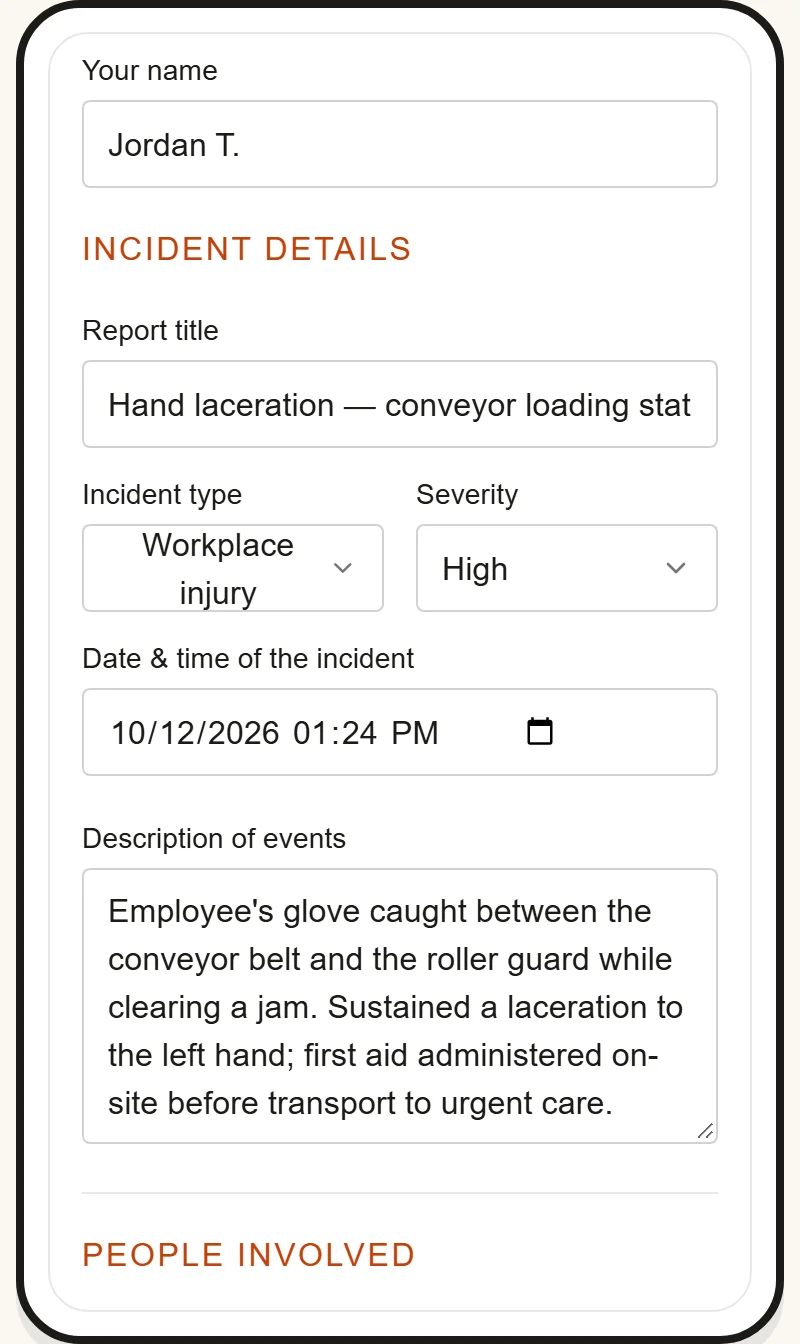
We make IncidentLog, so read this entry with that in mind; every other entry is described from its vendor's own site. IncidentLog does one part of OSHA compliance: getting injuries and near misses reported from the field, and turning recordable cases into the forms 29 CFR Part 1904 requires. Each site gets a QR code poster; a worker scans it and reports from their own phone, in English or Spanish, with no app or account.
Recordable cases fill the Form 300 log, the Form 300A summary and a Form 301 for each case, with privacy cases kept off the public log, and IncidentLog builds the 300A upload file for OSHA's Injury Tracking Application. It doesn't do inspections, training records or safety data sheets: pair it with a tool below if you need those.
Key features
- QR-code reporting from the worker's own phone, in English or Spanish, without an app or account
- Forms 300, 300A and 301 generated from filed reports, with privacy cases handled
- 300A upload file for OSHA's ITA, checked for missing fields before you download it
- Timestamped, locked reports with photos and reporter and witness signatures
- Free OSHA recordable injury checker for the "does this go on the log" question
Best for
- Contractors, warehouses and service businesses with field crews or Spanish-speaking workers
- An owner or office manager who keeps the OSHA log but isn't on site when injuries happen
Pricing
- Free: 3 reports a month, with watermarked 300 and 300A PDFs
- Pro: $49 a month per site ($490 a year), unlimited users, the 300, 300A and 301 and the ITA file
- Business: $89 a month ($890 a year) for up to 5 sites
Pros
- A flat price per site, so adding workers or a subcontractor crew costs nothing
- Cases reach the log the day they happen, inside the 7-day window
Cons
- Covers incident reporting and OSHA recordkeeping only: no inspections, training records or safety data sheets
- A newer and smaller company than the EHS suites on this list
2. OSHA300.com, best for filing the 300A at the lowest yearly cost
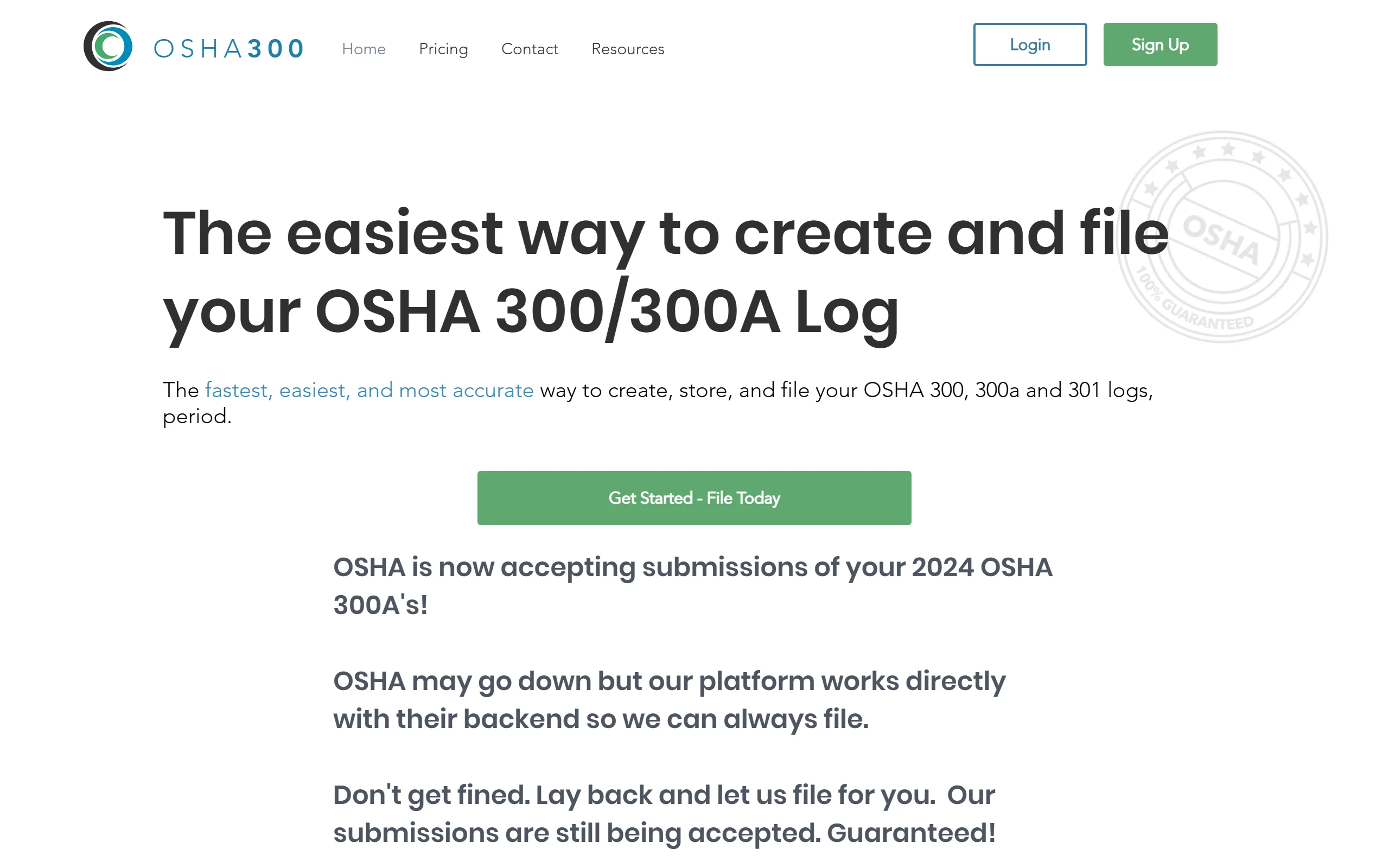
OSHA300.com helps you create, store and file your OSHA 300, 300A and 301 logs, and it submits your 300A to OSHA. There's no field app: someone enters each case, usually in the office. If the yearly filing is your only OSHA software need, it's the cheapest paid option here.
Key features
- Unlimited incident logs on paid plans
- 300A filing with OSHA included in the plan's yearly submissions
- Posting notifications and reminders
- Several establishments on the Business and Enterprise plans
Best for
- Office managers who already receive injury reports by phone or email
- Companies that mostly need the yearly filing done
Pricing
- Free edition: one establishment with zero injuries and illnesses
- Starter: $49 a year (1 submission)
- Business: $149 a year (10 submissions, up to 10 establishments)
- Enterprise: $249 a year (100 submissions)
Pros
- The lowest published price for a paid plan on this list
- Takes the ITA filing off your plate
Cons
- No worker-facing reporting: cases still have to reach the office first
- Recordkeeping only
3. Mitti (formerly SafetyCulture), best for inspections and basic training
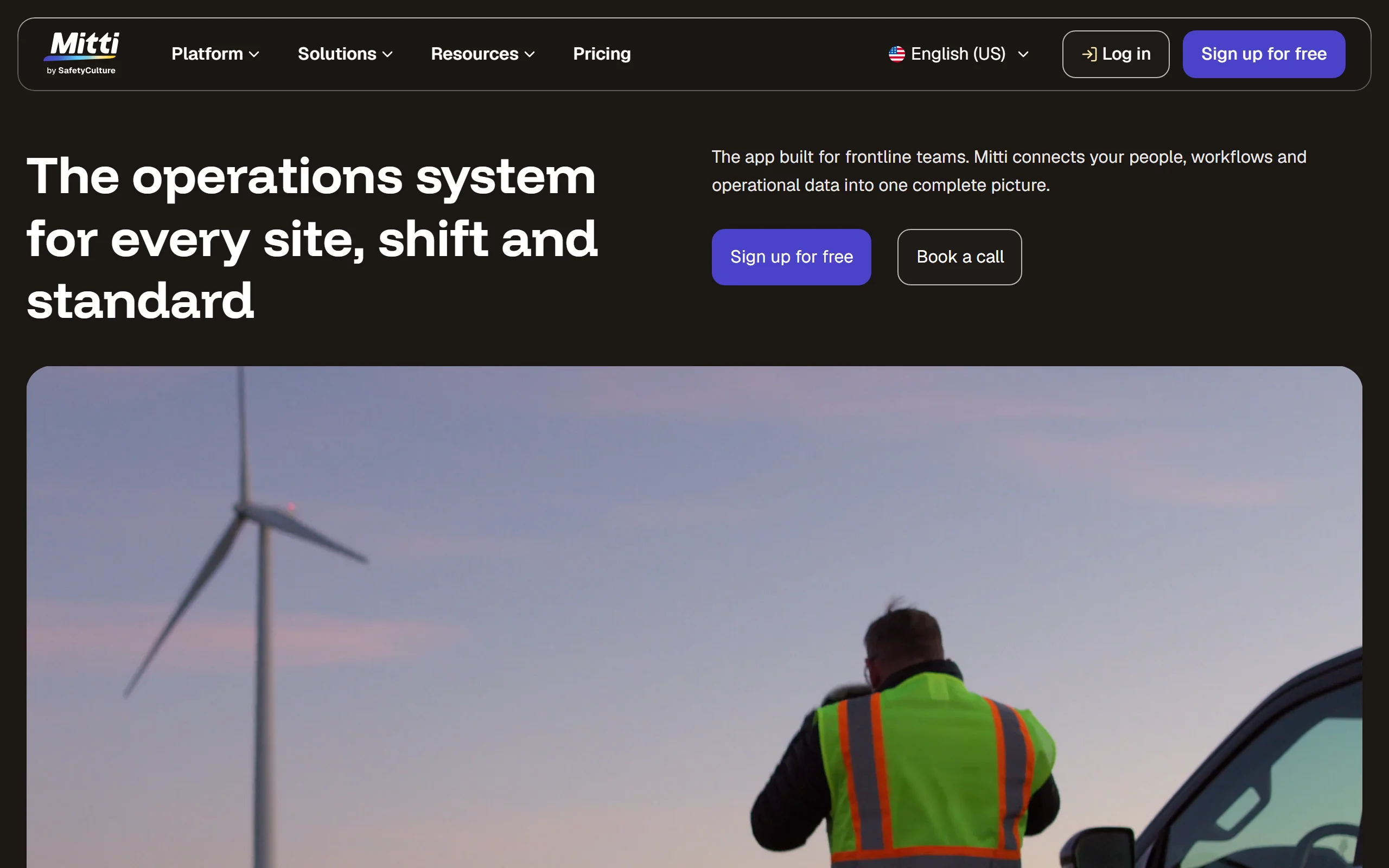
Mitti is the new name of SafetyCulture, the company behind the iAuditor inspection app. It turns inspections, issue reports and training into checklists your team runs on a phone. Its free plan covers up to 10 seats with basic training included; Premium adds advanced training. For OSHA's injury forms, Mitti describes building your own checklists from templates rather than generating the 300, 300A and 301.
Key features
- Inspection checklists from a large template library
- Issue reporting and corrective actions
- Basic training on the free plan, advanced training on Premium
- Mobile apps for frontline teams
Best for
- Daily or weekly site inspections
- Teams of up to 10 that want to start free
Pricing
- Free: up to 10 seats and 5 active inspection templates
- Premium: $24 per seat per month billed annually, or $29 monthly
- Enterprise: custom price
Pros
- Almost any process can become a checklist
- A free plan a small team can actually use
Cons
- The OSHA 300, 300A and 301 are something you build, not something you get
- Per-seat pricing grows with every worker who needs access; see our comparison with Mitti
4. Safesite, best for construction inspections and hazard reports
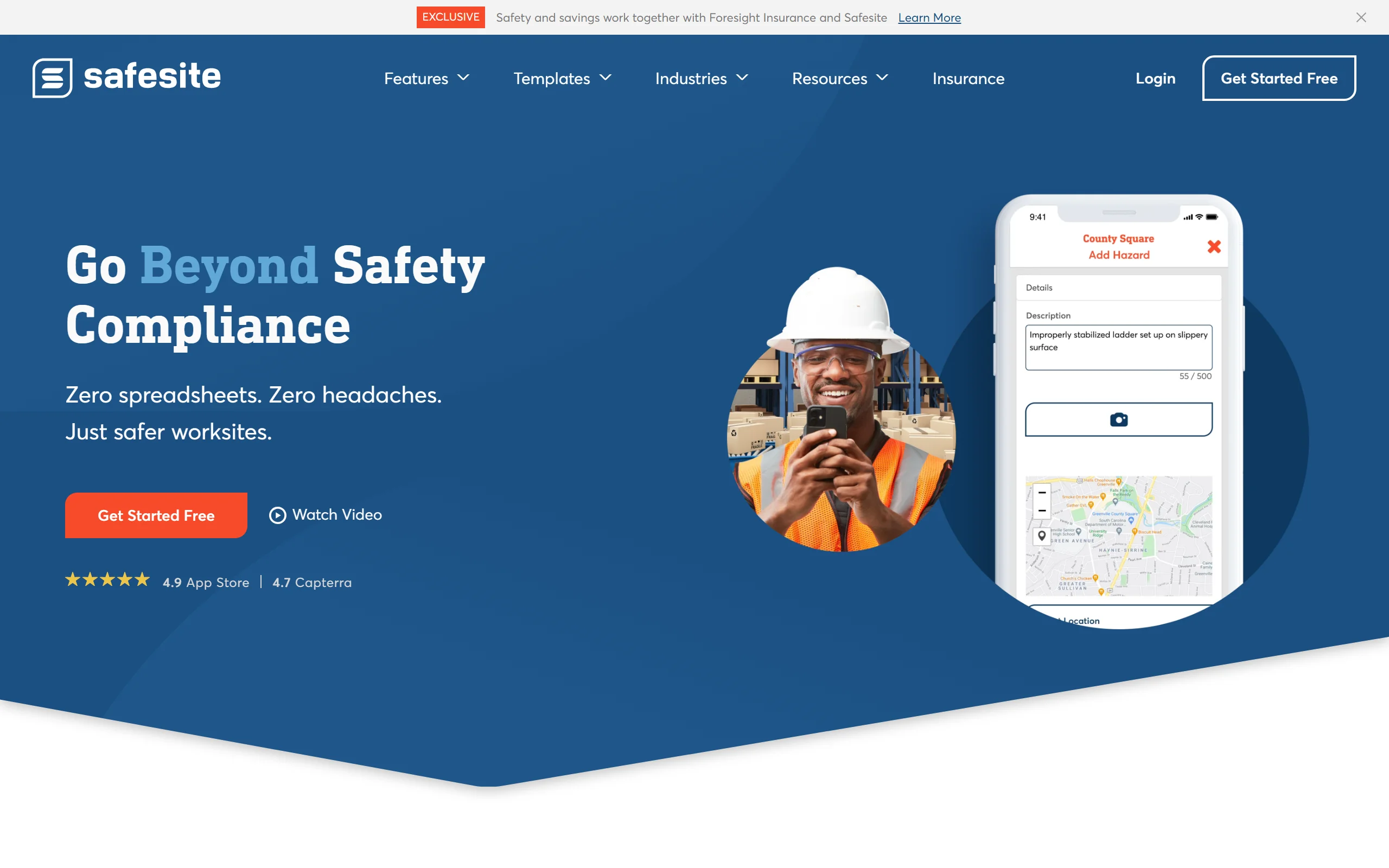
Safesite is a mobile safety app aimed at construction and field operations: inspections, hazard reports and incident reports, with unlimited members and guests on every plan. Its free plan keeps 30 days of report history; Premium adds a recordable incident log (OSHA 300).
Key features
- Mobile inspections, hazard reports and incident reports
- Recordable incident log (OSHA 300) on Premium
- Risk management dashboard
- Unlimited members and guests on every plan
Best for
- General contractors who want daily inspections and incident logging in one app
Pricing
- Free: app and dashboard, report history limited to 30 days
- Premium: $16 per member per month, 20% off on annual billing, 30-day free trial
Pros
- A broad field safety toolkit for construction
- A free plan a crew can start on without a card
Cons
- Per-member pricing grows with headcount
- Its pricing page lists the OSHA 300 log but not a 300A summary or an ITA file; confirm them with Safesite
5. VelocityEHS, best for safety data sheets and hazard communication
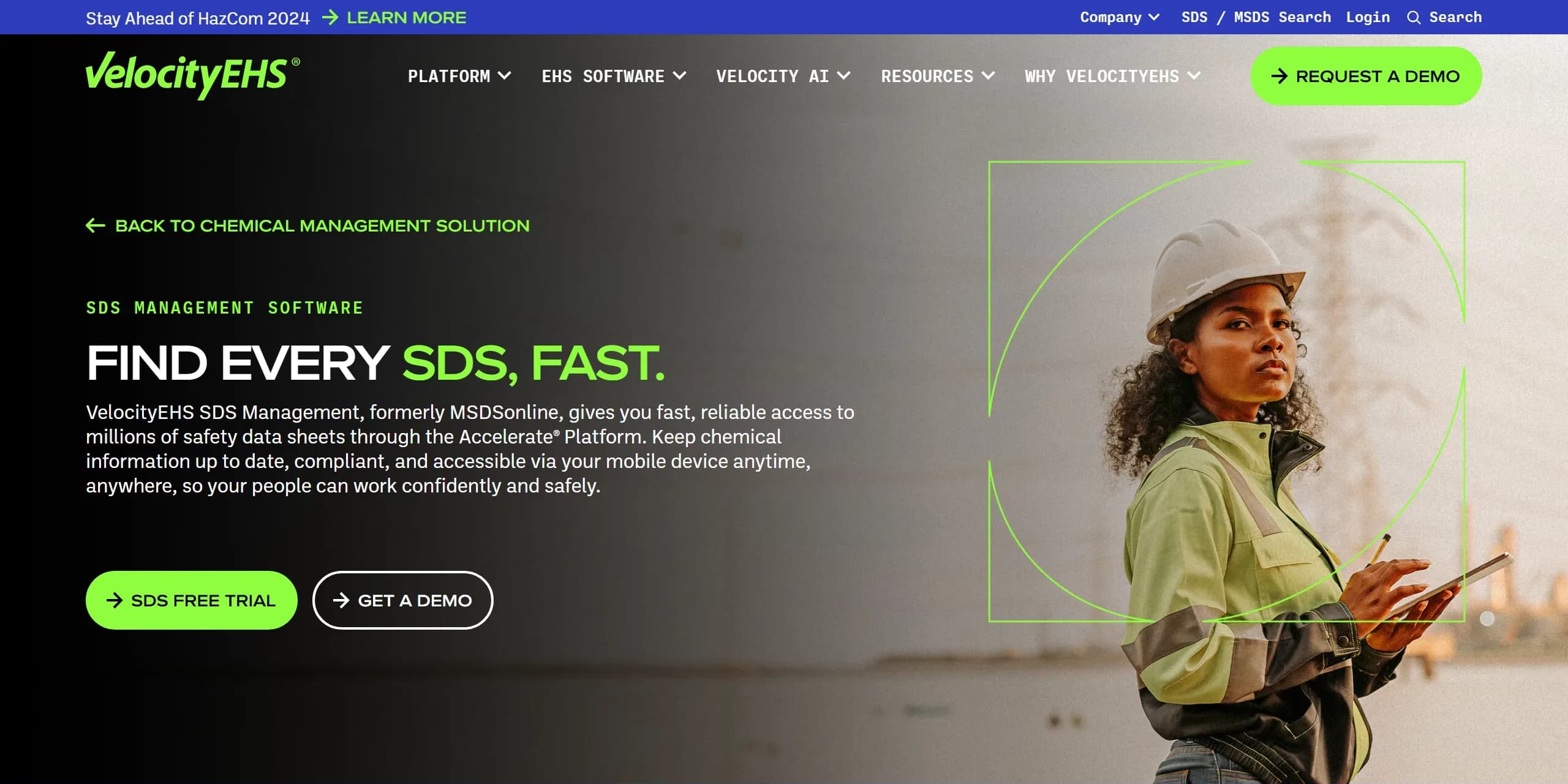
If your crew works with chemicals, OSHA's Hazard Communication Standard means keeping a safety data sheet for each one where workers can reach it, and labeling secondary containers. VelocityEHS SDS Management, formerly MSDSonline, gives access to millions of safety data sheets kept up to date, generates GHS-aligned secondary container labels, and works online or offline on a phone. The same company sells incident management that generates the OSHA 300, 300A and 301 and exports to the ITA.
Key features
- Library of millions of safety data sheets, with new and revised sheets added every month
- GHS-aligned secondary container labels
- SDS access for workers online or offline
- Incident management with Forms 300, 300A and 301 and ITA export, sold separately
Best for
- Shops, plants and contractors with a long chemical inventory
- Companies building a HazCom program from scratch
Pricing
- Not published: price by quote
- Free trial of the SDS product; demo for the rest
Pros
- Deep SDS library from a long-time specialist
- Can grow into a full EHS platform
Cons
- No public price
- More platform than a crew with a handful of products needs
6. EHS Insight, best for a mid-size all-in-one suite with a published starting price
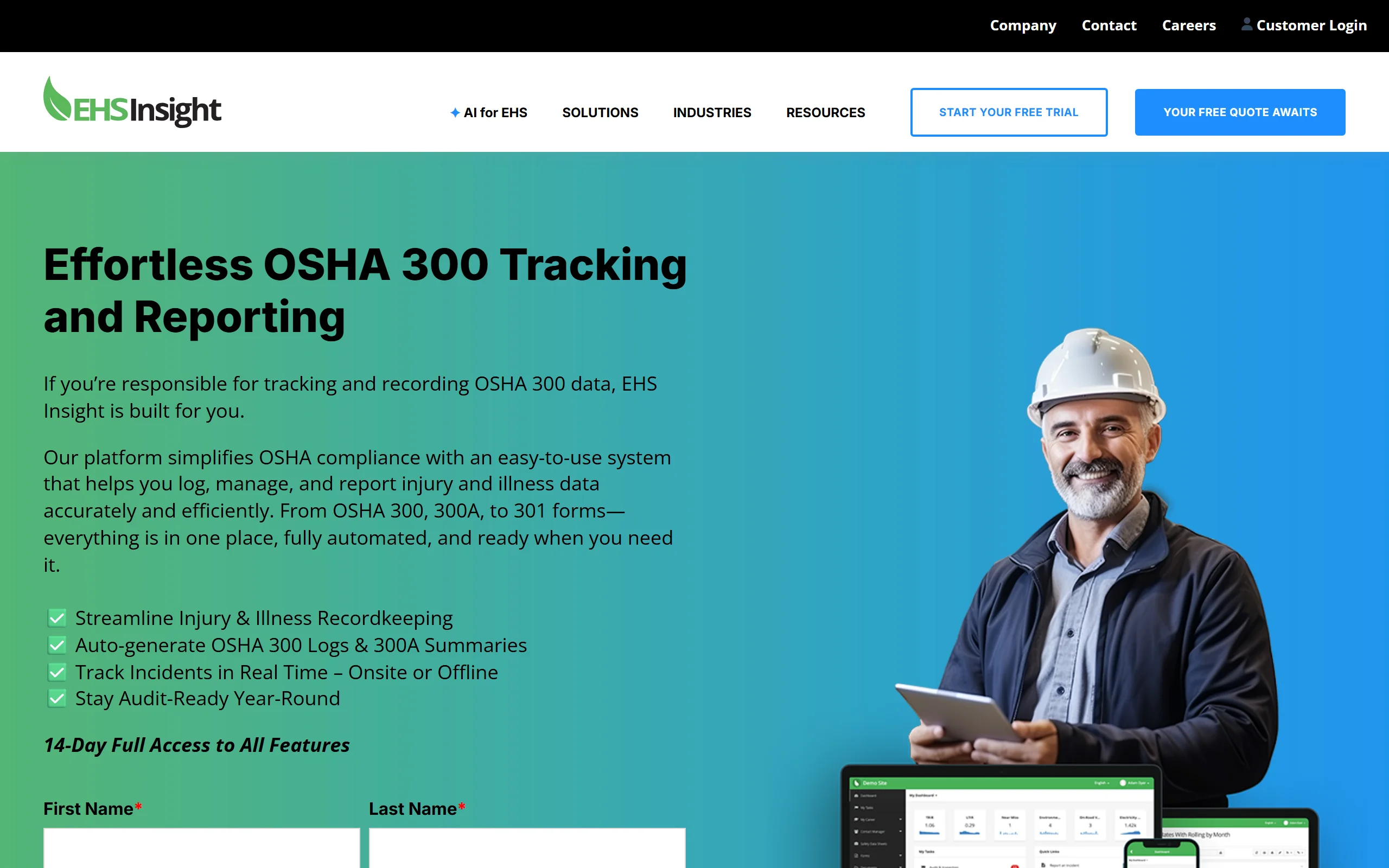
EHS Insight is a modular EHS platform for mid-size companies. For OSHA records it auto-generates the 300 log and 300A summary and keeps the 300, 300A and 301 in one place, with offline data capture in the field. Training and chemical management are separate modules. It's the only suite on this list that publishes a starting price: from $5,000 a year for its small and medium business solution, billed annually.
Key features
- Automatic OSHA 300 logs and 300A summaries, with the 301 in the same place
- Offline incident capture in the field
- Training management and chemical management modules
- 14-day trial with access to all features
Best for
- Companies with a safety manager who wants several programs in one system
- Budgets that can plan for an annual contract
Pricing
- Small and medium business solution: from $5,000 a year, priced on employees, contractors and modules
- Enterprise: by quote
Pros
- A published starting price, unusual for an EHS suite
- Covers records, incidents, training and chemicals in one vendor
Cons
- An annual commitment well above a single-job tool
- Its OSHA page doesn't mention filing with OSHA's ITA; ask before you count on it
7. J. J. Keller Safety Management Suite, best for teams that rely on J. J. Keller's regulatory content
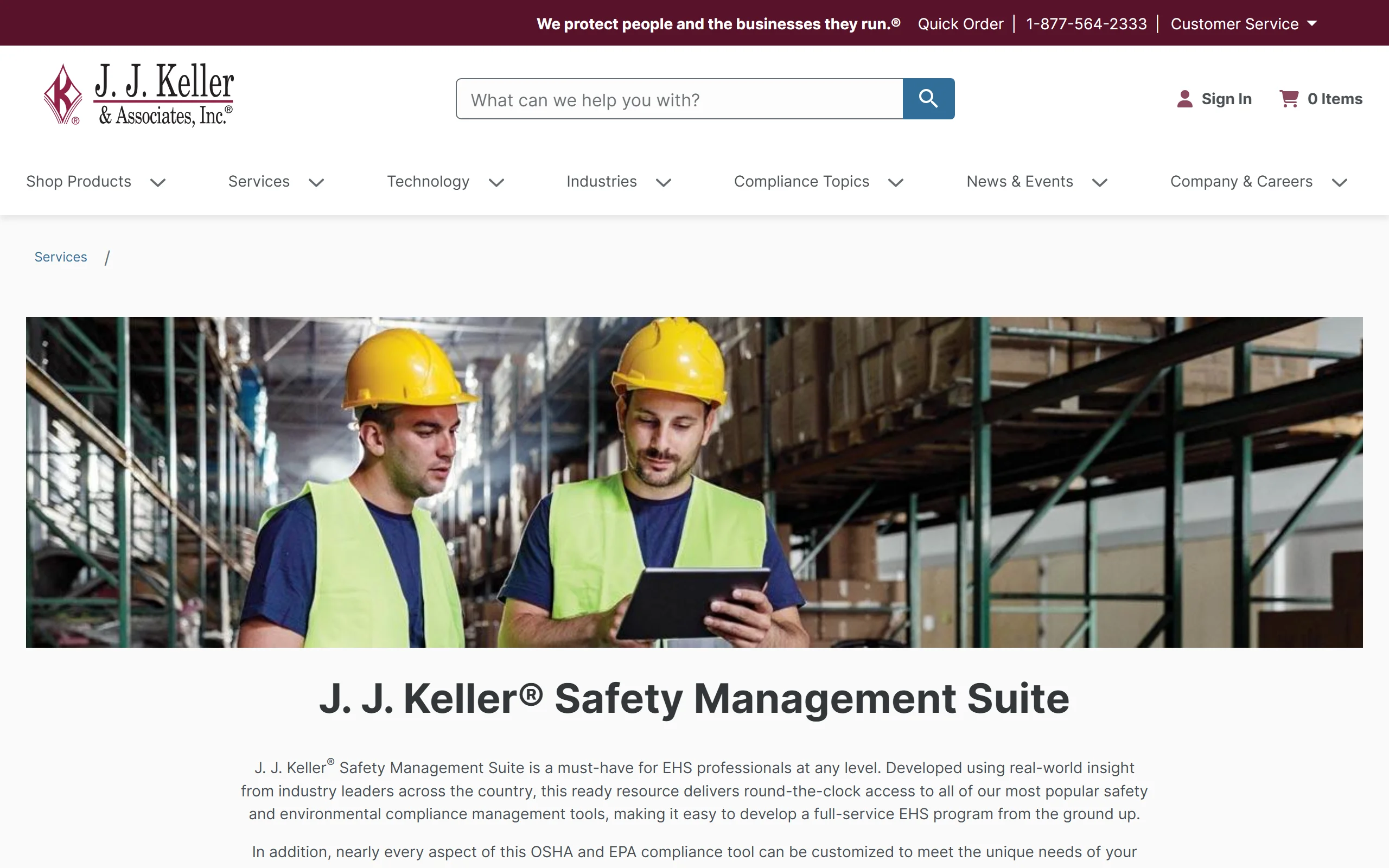
J. J. Keller has published compliance material for decades, and its Safety Management Suite brings its safety and environmental compliance tools into one online platform. For OSHA records it auto-generates the annual Forms 300, 300A and 301 and produces a CSV file for electronic reporting to OSHA.
Key features
- Automatic Forms 300, 300A and 301
- CSV export for OSHA electronic submission
- Safety and environmental compliance tools in the same suite
- J. J. Keller regulatory content alongside the software
Best for
- EHS managers who want records next to other compliance programs
- Companies already buying J. J. Keller products
Pricing
- Not published: price by quote
- 30-day free trial
Pros
- Deep regulatory expertise behind the product
- One vendor for several compliance programs
Cons
- No public price, so budgeting starts with a sales call
- More platform than a business with a few cases a year needs
8. OSHA's free tools and On-Site Consultation, best first step before you buy
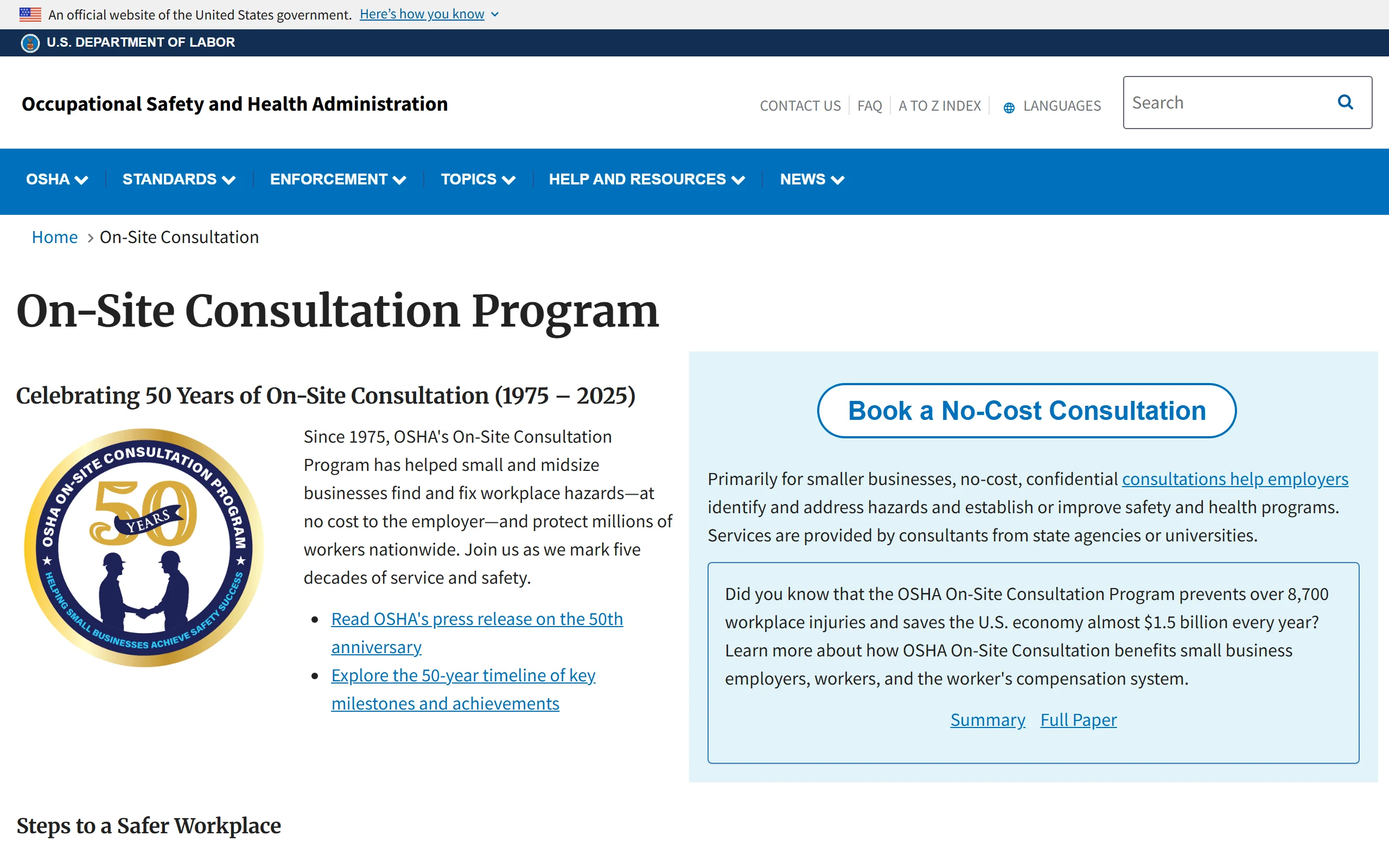
OSHA's On-Site Consultation Program sends a consultant from a state agency or university to find hazards and help set up your safety program, at no cost. It's primarily for smaller businesses, confidential, and separate from OSHA enforcement. OSHA also publishes free apps (heat safety, a small business checklist) and interactive eTools, and its Forms 300, 300A and 301 as a fillable PDF and Excel files.
Key features
- A no-cost, confidential hazard visit from a state or university consultant
- Free apps and eTools on topics such as heat safety and construction
- Fillable Forms 300, 300A and 301, and an Excel 300 log
Best for
- A small business that doesn't know yet which OSHA standards apply to it
- Anyone with no budget for software
Pricing
- Free
Pros
- Advice from people who know the standards, without a citation risk
- Tells you which of the jobs above you actually need software for
Cons
- Not software: nothing tracks cases, deadlines or training for you
- Visits are booked through your state's program, so timing varies
How to choose OSHA compliance software
1) Which job costs you the most time today?
- Injuries reported late or the 300 log behind: an injury reporting and records tool (IncidentLog, OSHA300.com).
- Inspections on paper: an inspection app (Mitti, Safesite).
- A binder of safety data sheets nobody can find: an SDS tool (VelocityEHS).
- Several of these at once, with a safety manager to run it: a suite (EHS Insight, J. J. Keller).
2) Do you keep OSHA records at all?
- Employers with 10 or fewer employees all last year, and establishments in the partially exempt industries, don't keep the routine 300 log (29 CFR 1904.1 and 1904.2). Every employer still reports a death within 8 hours and an in-patient hospitalization, amputation or loss of an eye within 24 hours (1904.39).
- Establishments that must submit 300A data through OSHA's Injury Tracking Application by March 2 should favor a tool that builds the upload file or files it (IncidentLog, OSHA300.com, J. J. Keller, VelocityEHS).
3) How do you want to pay?
- Per site, whatever the headcount: IncidentLog ($49 a month per site).
- Per user: Safesite ($16 per member) or Mitti ($24 to $29 per seat). With 25 users that's $400 a month on Safesite Premium and $600 to $725 on Mitti Premium.
- Per year: OSHA300.com ($49 to $249), EHS Insight (from $5,000).
- By quote: VelocityEHS and J. J. Keller.
4) One suite, or two focused tools?
- A suite puts every program in one place, at the cost of an annual contract and setup time.
- Two focused tools (say, an inspection app and an injury reporting tool) are faster to roll out and cheaper for a small crew. Try them on a real case first; you can try IncidentLog's worker form without signing up.
Frequently asked questions
What is OSHA compliance software?
Software that handles one or more of the jobs OSHA's rules create: recording work injuries on Forms 300, 300A and 301 and submitting 300A data, running inspections and hazard reports, tracking training, and keeping safety data sheets for hazard communication. Some tools do one job well; EHS suites cover several in one system.
What is the best software for OSHA compliance for a small business?
The one that fixes your most time-consuming job. For injuries reported from the field and an up-to-date 300 log, IncidentLog; for the cheapest 300A filing, OSHA300.com; for inspections, Mitti or Safesite; for safety data sheets, VelocityEHS. A suite like EHS Insight (from $5,000 a year) makes sense once a safety manager runs several programs.
What do I need for OSHA compliance?
It depends on your industry and hazards, but most employers display the OSHA "It's the Law" poster, train workers on the standards that apply to their work, keep a written hazard communication program and safety data sheets if they use hazardous chemicals, and report severe injuries to OSHA. Employers with more than 10 employees outside the partially exempt industries also keep the OSHA 300 log.
Is there free OSHA compliance software?
Yes, within limits. OSHA's own forms, apps and eTools are free, and so is its On-Site Consultation Program. Mitti's free plan covers up to 10 seats, IncidentLog's covers 3 reports a month with watermarked 300 and 300A PDFs, Safesite's keeps 30 days of report history, and OSHA300.com has a free edition for a year with no injuries.
How much does OSHA compliance software cost?
Published prices on this list run from $49 a year (OSHA300.com Starter) and $49 a month per site (IncidentLog Pro) to per-user plans at $16 (Safesite) and $24 to $29 (Mitti) a month, and from $5,000 a year for EHS Insight's small and medium business suite. VelocityEHS and J. J. Keller price by quote.
Can I keep OSHA records on my phone or computer instead of paper?
Yes. Under 29 CFR 1904.29(b)(5), you can keep your records on a computer if it can produce equivalent forms when they're needed, and (b)(4) defines an equivalent form: the same information, as readable and understandable, completed with the same instructions as OSHA's. Mobile tools that capture the report in the field and print the forms meet that rule.
Prices and features checked on each vendor's site and on osha.gov on October 15, 2026. KPA, listed on other roundups, was left out: its site now serves automotive businesses only. The rules cited are in 29 CFR Part 1904.
Keep reading
Get the injury side of OSHA compliance off paper
Workers report from a QR code, recordable cases fill the 300, 300A and 301, and the ITA file is ready by March 2. $49/mo per site, unlimited users, with a free plan to start.